
FWDLink
Make a bio page that shows your work — not just links
One FWDLink in your social bio. Photos, services, and contact — live in minutes.
Free forever plan · Claim your page · Start in minutes
Your link page
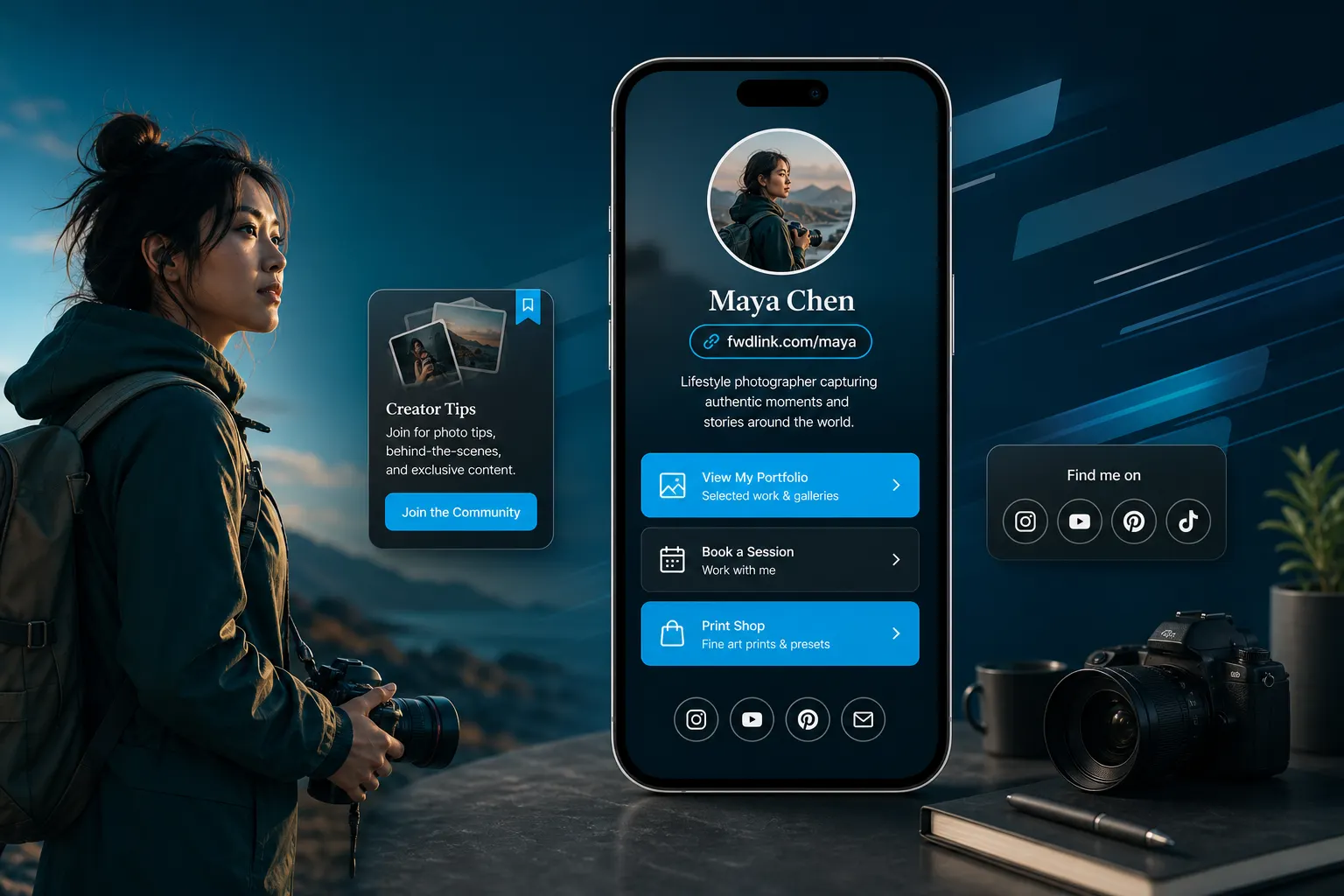
One link. Your page. Content first.
fwdlink.com/you opens albums, buttons, and contact forms — the page followers actually explore.
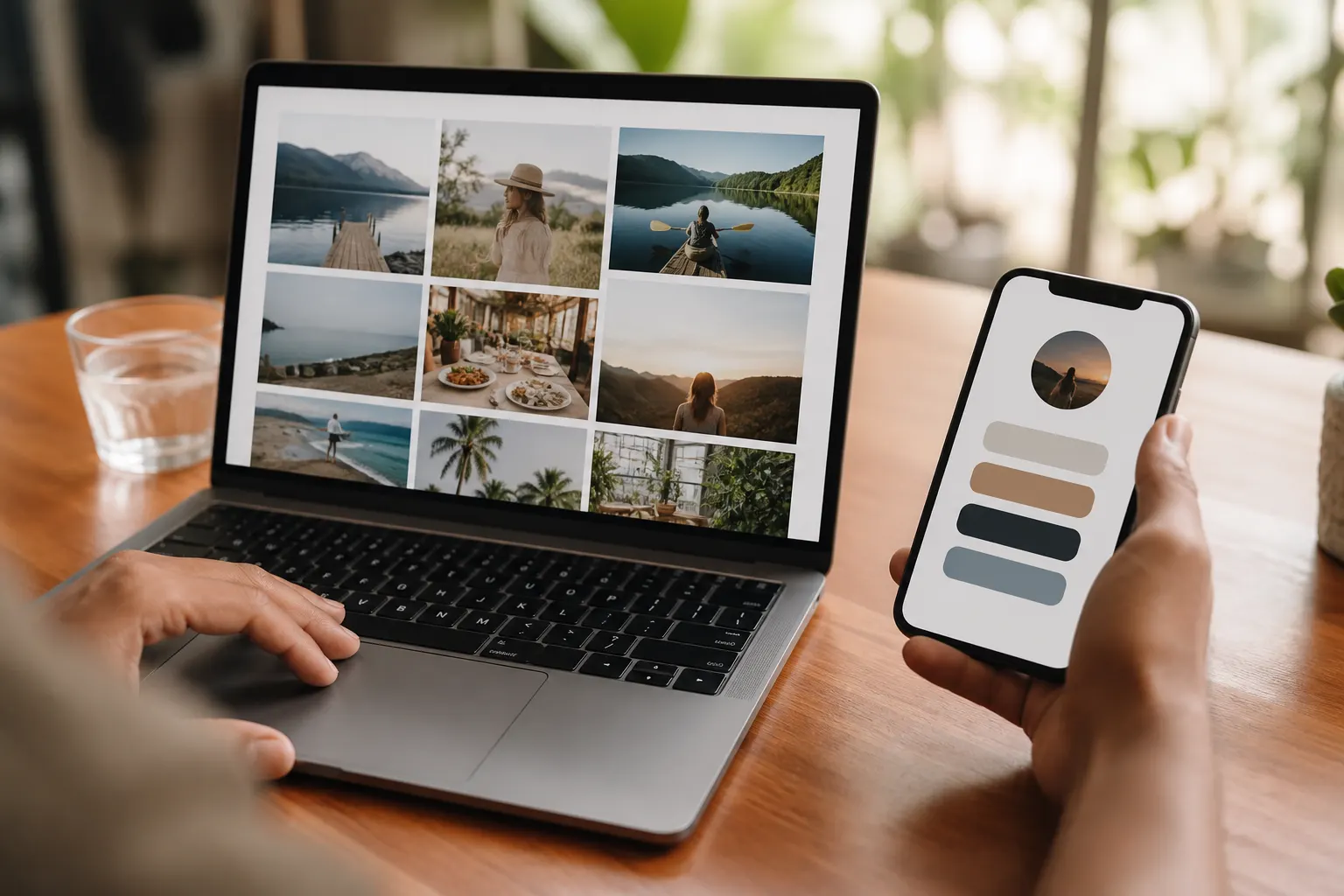
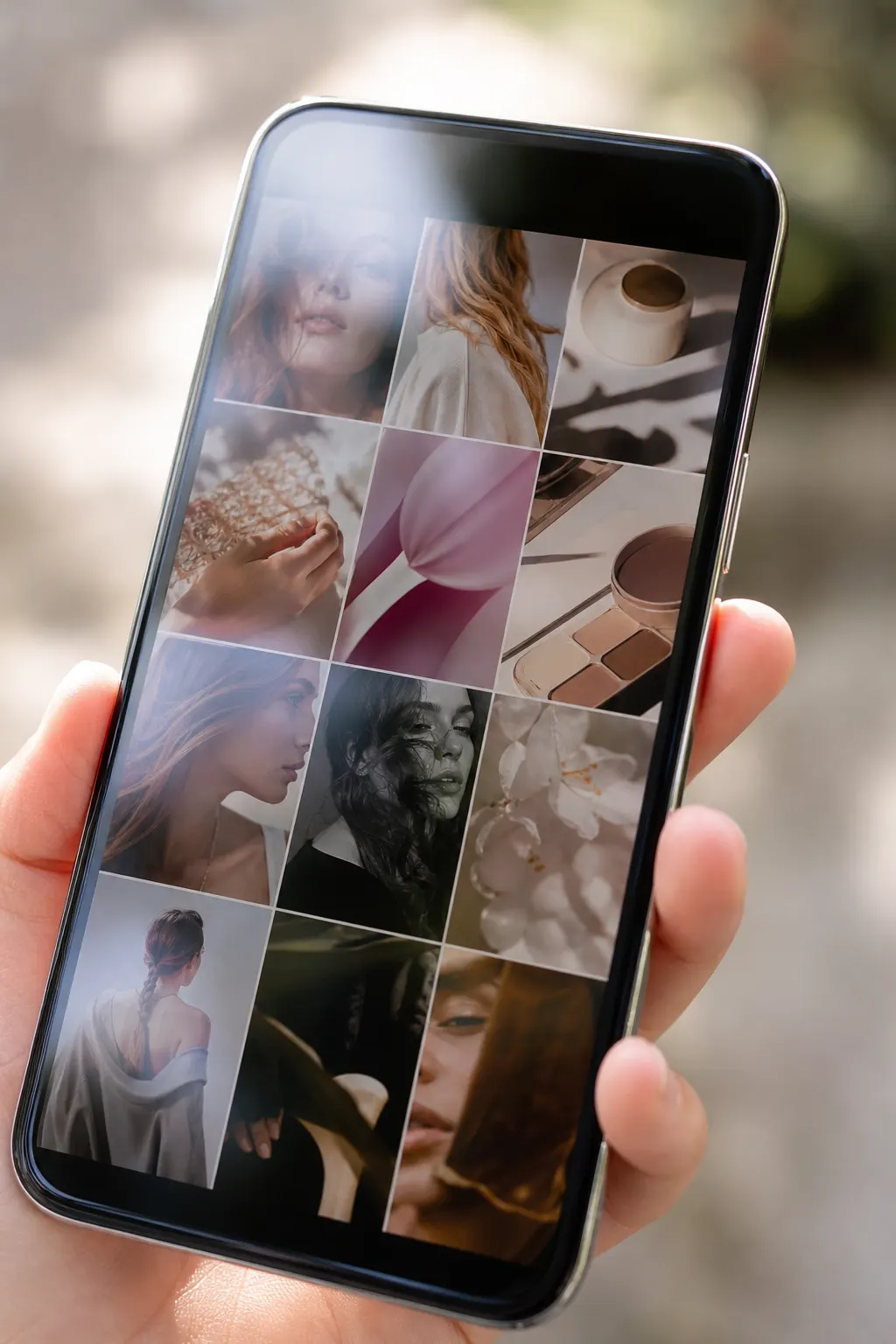
How to make it
Claim → customize → share → update anytime
How to make a free bio page without a design tool or code.
01
Claim fwdlink.com/you
Sign up free. Your public page is live with a shareable link.
02
Add photo, bio, albums
Cover, short bio, and featured albums — image over walls of text.
03
Add links & contact
Buttons for WhatsApp, shop, YouTube — plus services people can inquire about.
04
Paste in your social bio
Same URL on Instagram, TikTok, YouTube, and your email signature.
A bio page that feels like your site
Albums and covers do the selling. Keep copy short. Free to start.
Photos on the page
Visitors browse before they bounce — not a dead button stack.
Same link forever
Swap albums and offers without changing your bio URL.
Fast on any phone
Built for the tap from a profile — not a desktop redesign project.
From social profile → your page
One website field. Followers land on proof, contact, and what you sell.
Paste once
Edit profile → Website → your FWDLink. Done.
Works everywhere
Instagram, TikTok, YouTube, X — same username.
Update the page, not the bio
New drop or hours? Change the page. Bio link stays.
Client requests and services on the same page
Show what you offer. Let people request a time — without endless DMs.
Services people understand
Names, prices, and a clear next step.
Contact that lands
Forms and WhatsApp buttons on the page you already share.
Your page is the front door. CRM when you close work.
Creators earn on the page. Service pros quote and invoice from the same workspace.
Tips, unlocks, products
Fans pay where they already land — see earn from followers.
Leads → estimate
Page forms open in CRM when you run jobs.
One brand everywhere
Same fwdlink.com/you on bio, cards, and invoices.
Albums beat a link list
Pin your best work. Visitors stay because there is something to see.
Featured albums
Best sets at the top of the page.
Share a client view
Send a gallery link when proof matters.
Bio page or full work website — same FWDLink
Start as a link in bio. Grow into a business page with quotes when you need them.
Starter is free to start
Claim your username, publish, share. Card later if you take payments.
No hosting homework
No separate domain required to go live.
Make your bio page free. Upgrade when you get paid.
Starter includes your public page and core tools. See Plans for online payment fees and seats.
See Plans & feesFrequently asked questions
- How do I make a bio page for free?
- Create a free FWDLink account, claim your username, add photos and links, then paste the URL in your social bio. No design tool required.
- How do I add a link in bio on Instagram?
- When your page is live, copy your FWDLink. In Instagram: Profile → Edit profile → Website → paste → Done.
- What is a link in bio?
- The single website URL many social apps allow in your profile. A bio page turns that one link into albums, buttons, and contact.
- Can I use the same link on TikTok and YouTube?
- Yes — one FWDLink everywhere. Update the page without changing the URL in your bios.
- Is this only a button list?
- No. FWDLink puts photo albums, updates, client requests, and contact on the page — then CRM or creator payouts when you need them.
Claim your link. Put your bio page live today.
Create free, share one URL, update albums anytime.
Keep exploring
- Make your work website — page, photos, and quotes in one link
- Your beauty studio page — showcase, get paid
- Get paid where your followers already land
- Memberships that renew on the page fans already open
- Sell digital content from the link in your bio
- One public page. Your library stays private.
- Link in bio with status update — post news without changing your URL
- Plans & pricing