FWDLink
Your page
One public page. Your library stays private.
Claim fwdlink.com/you and put it in every bio. Feature the albums, links, forms, and booking you want the world to see — everything else stays in your vault until you FWD it.
Always-on public URL · Private vault by default · Free forever plan
The problem
A wall of outbound buttons is not a home
Link lists bounce people away. Your best work lives in Drive, chat, and camera rolls. When someone taps your bio, they should land on you — not a menu of other apps.
The fix
A real page at your name — fed by one library
FWDLink is your public front door and your private back room. Design the page in minutes, feature albums visitors can browse, stack the outbound links you still need, and capture leads without leaving your brand.
Link in bio that works
More than a list — a page people stay on
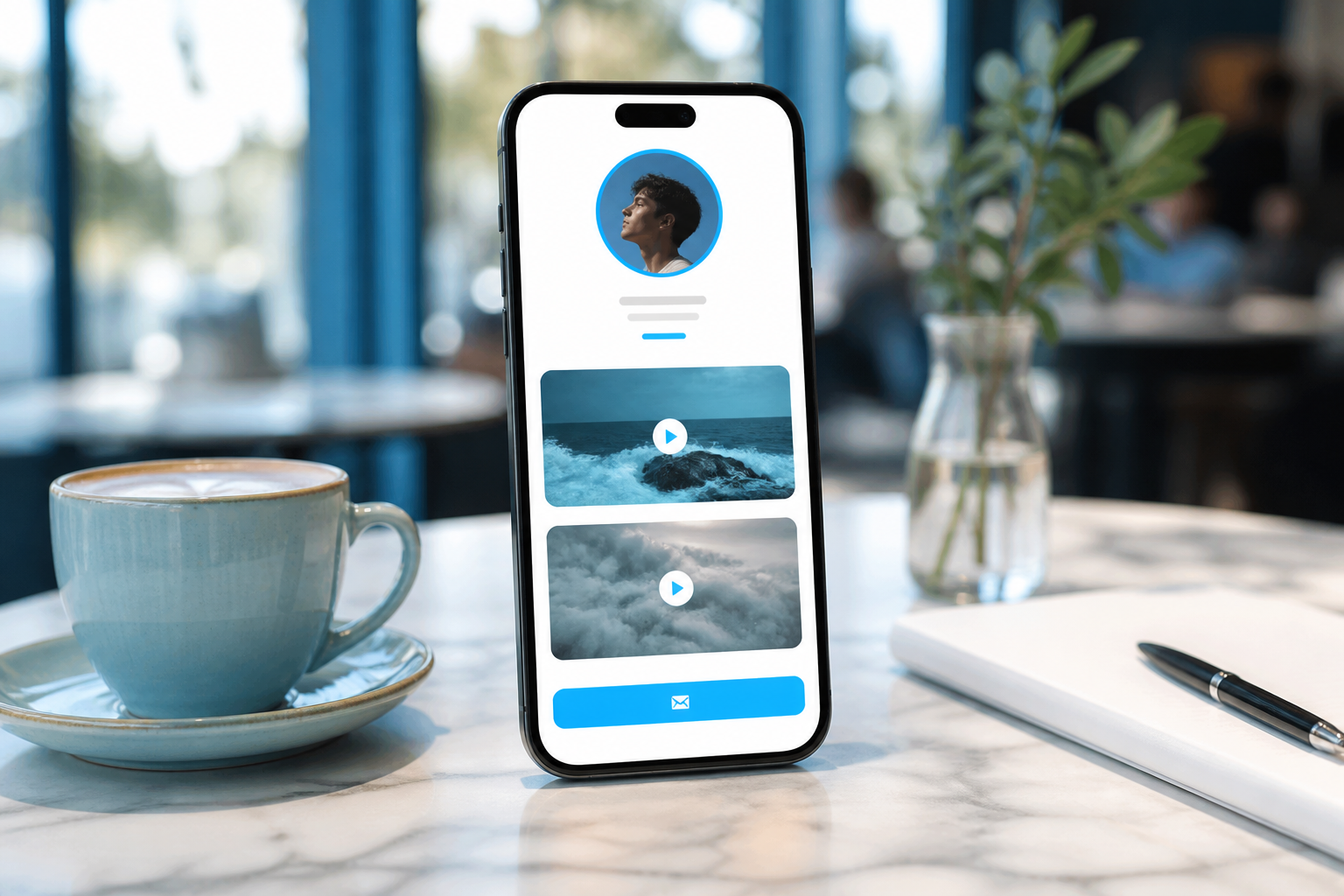
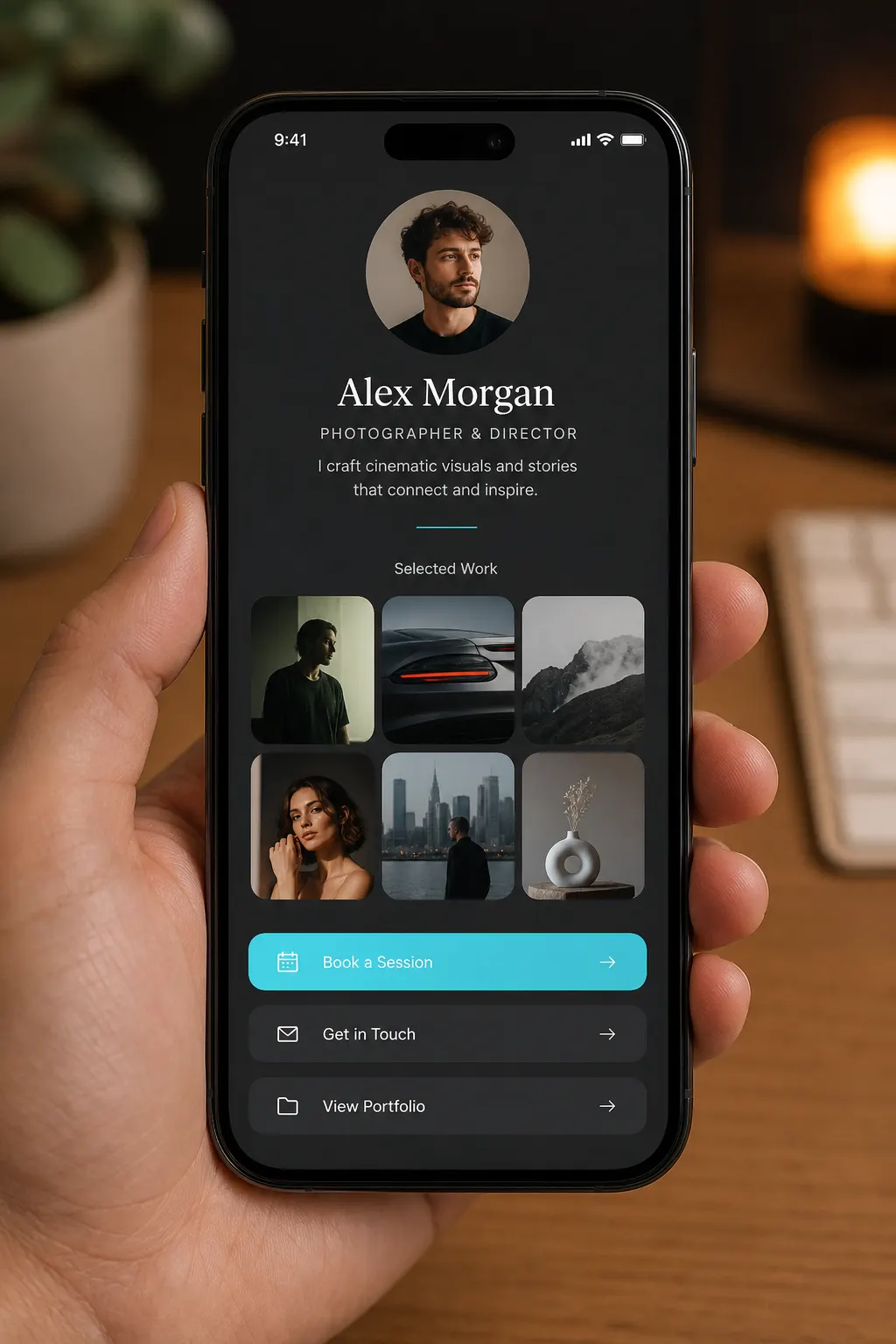
Profile, socials, featured media, services, contact, booking — blocks you arrange once, then share forever as fwdlink.com/you.
Setup
From username to live bio link
Four steps — no template wrestling, no second site.
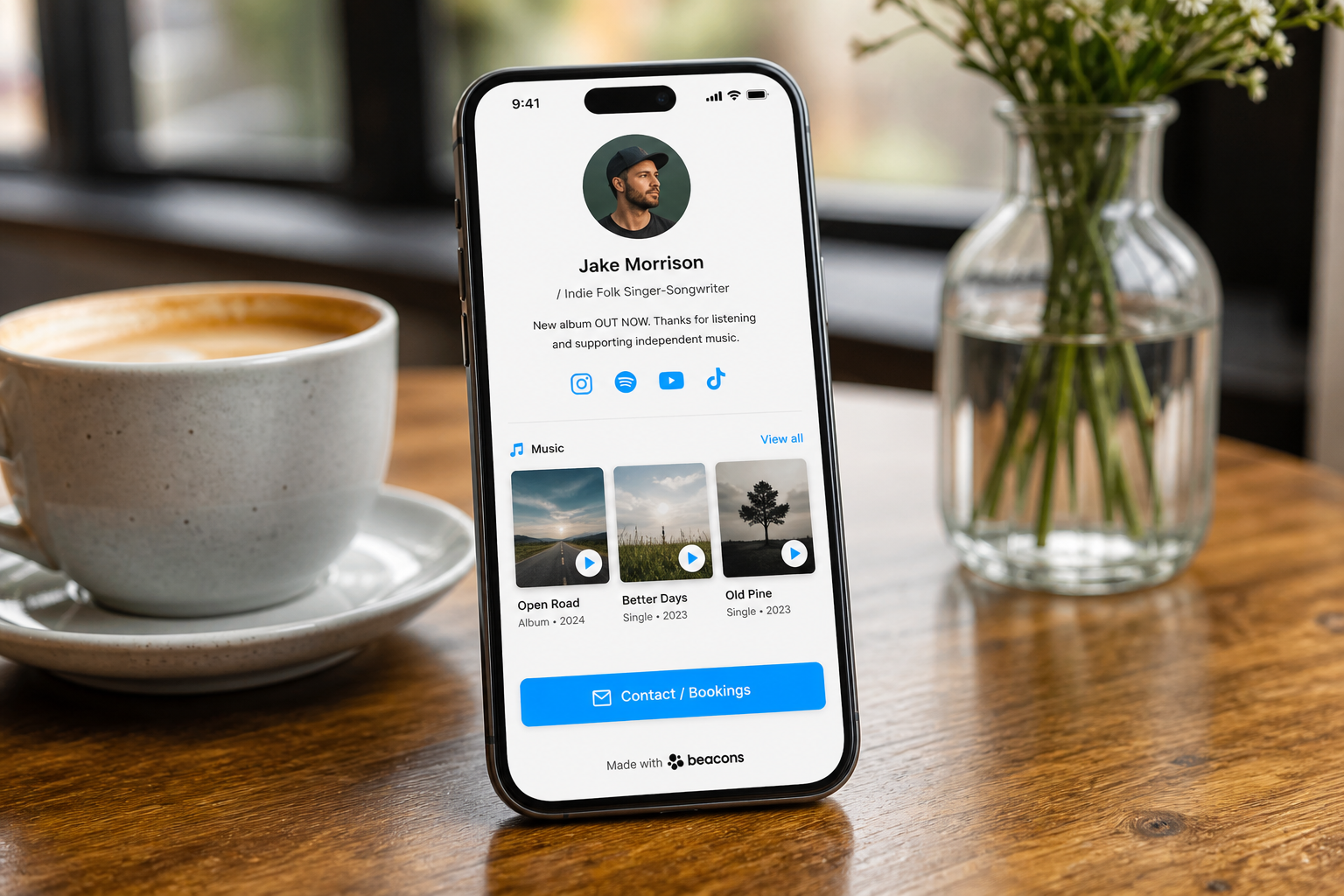
01
Claim your username
Pick fwdlink.com/you. That URL stays put while you refine the page underneath.
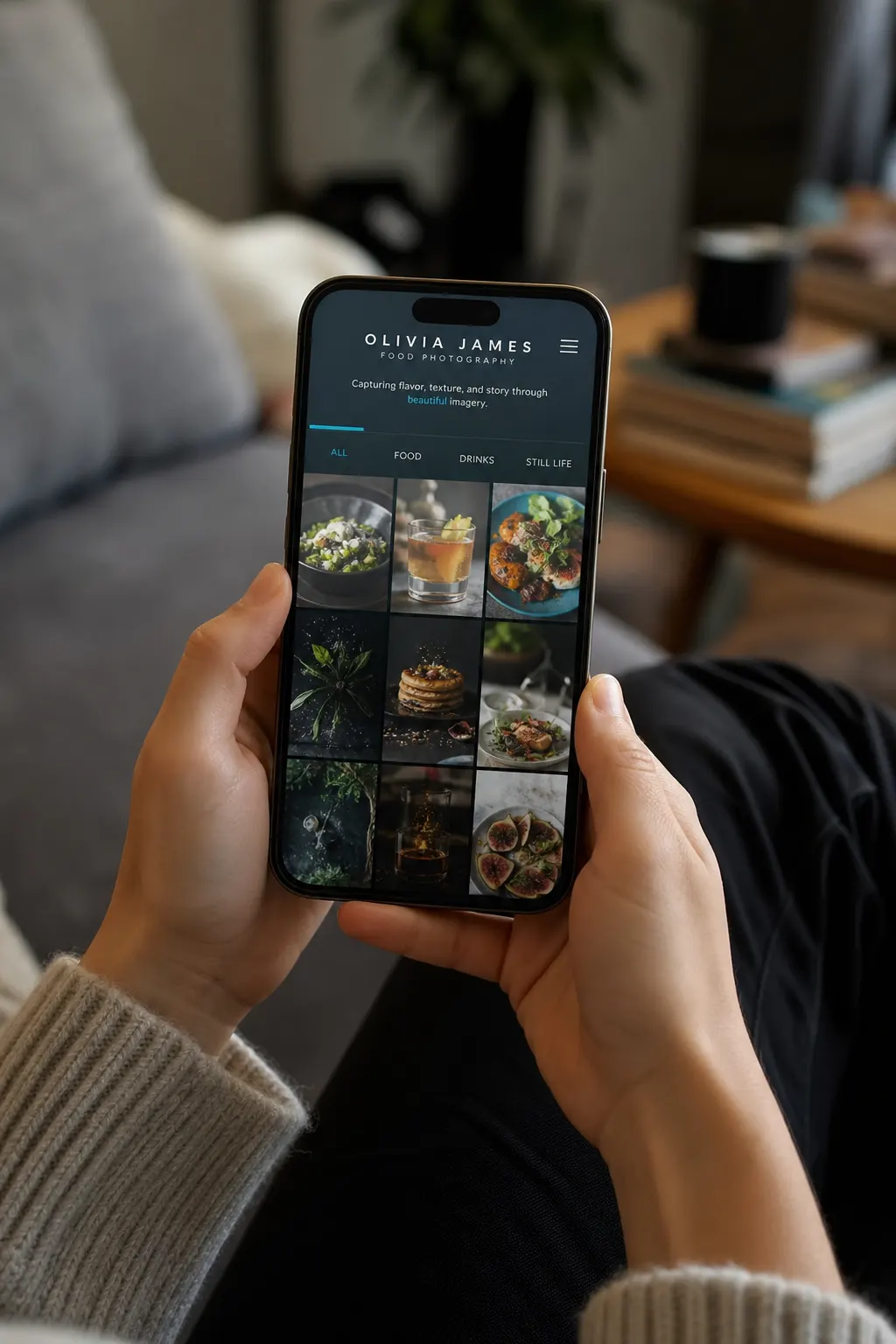
02
Feature what converts
Pull albums from your private library, add outbound links, forms, or booking — only what belongs on the front door.
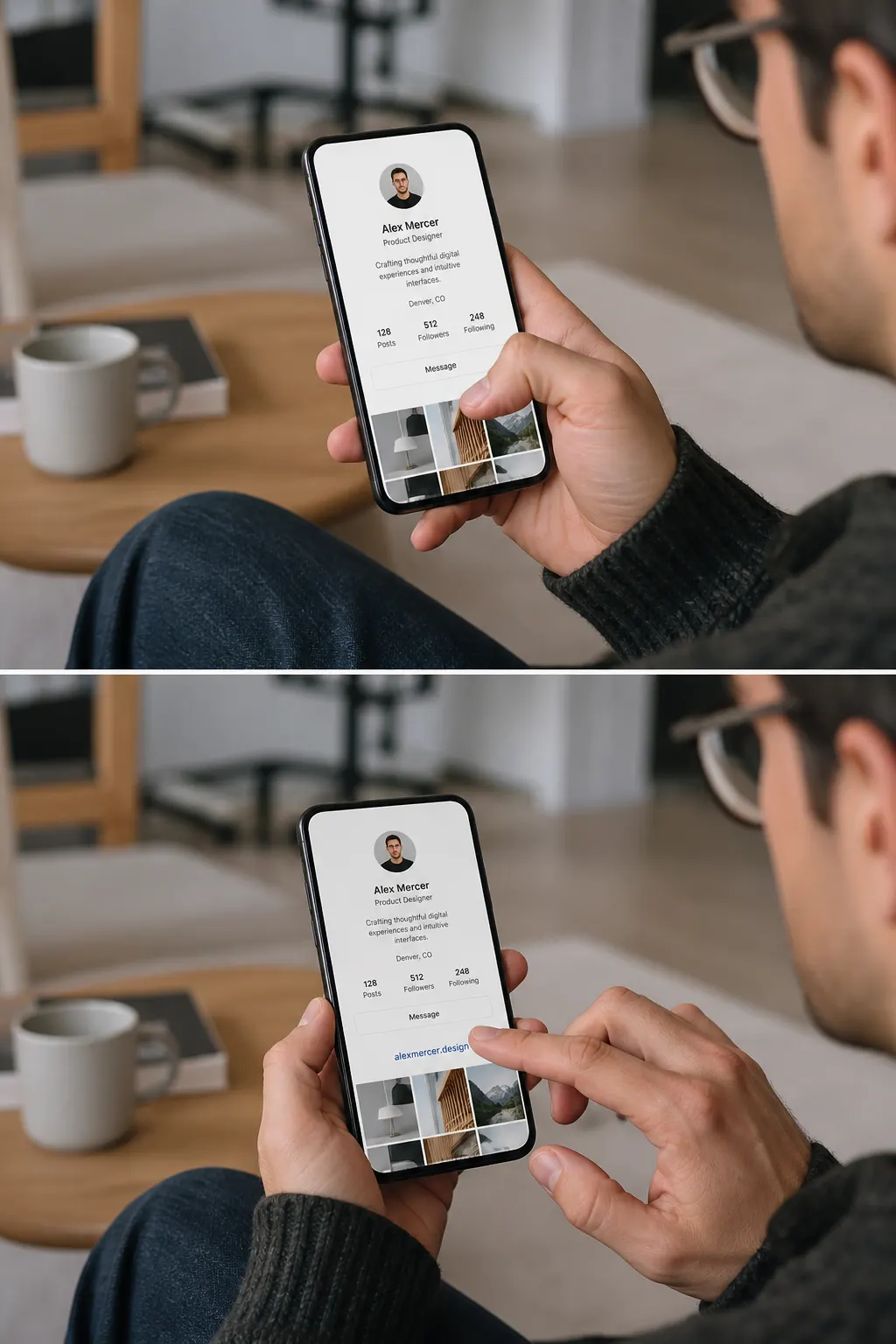
03
Drop it in every bio
Instagram, TikTok, YouTube, Google Business, QR on the door — one destination.
04
Watch what lands
Views and taps show which blocks work. Smart Link and Automations can refine what visitors see first without changing the URL.
What your page actually includes
Concrete blocks — not another link dump.
Featured albums visitors browse
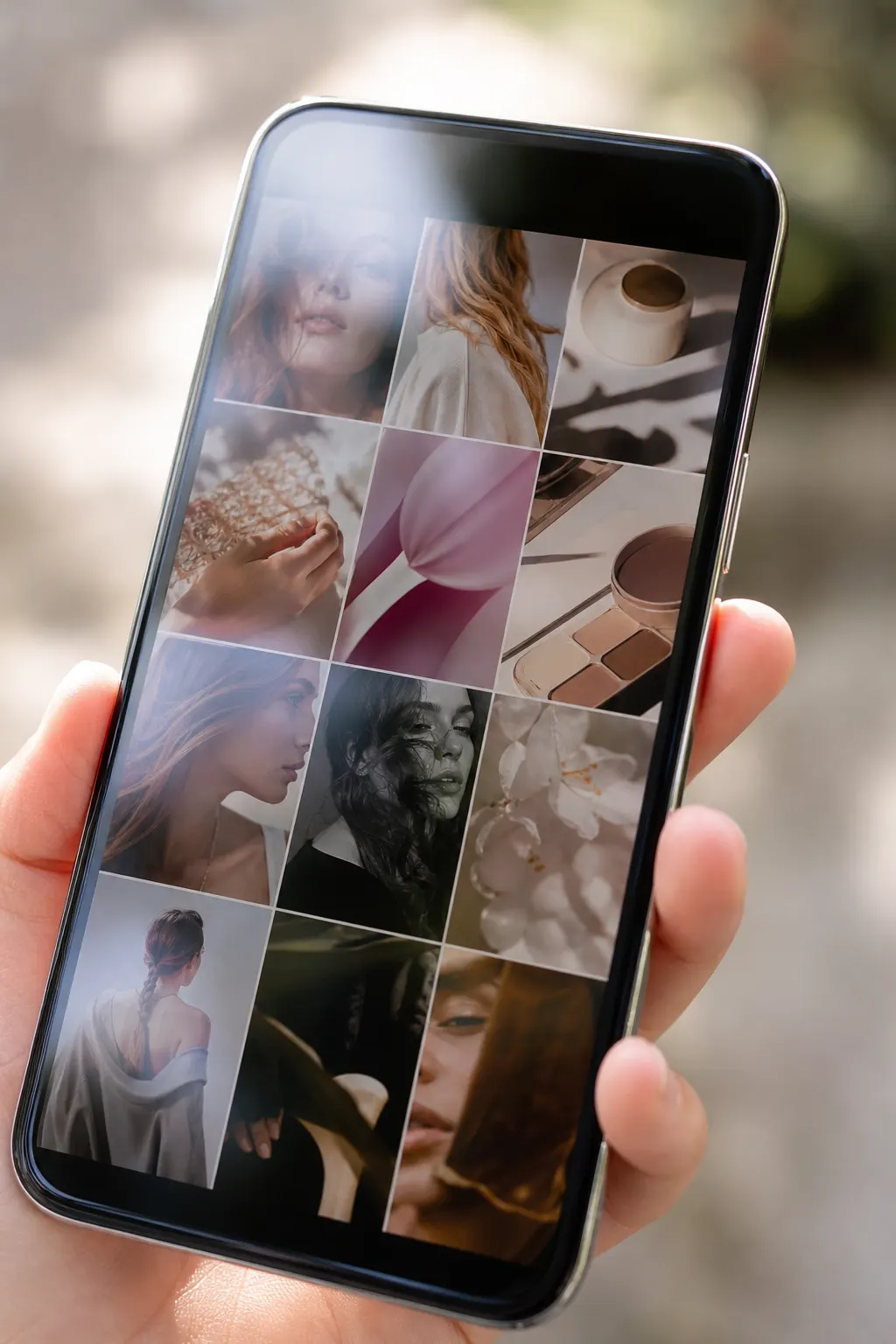
Open real galleries on your page — proof stays with your brand instead of bouncing to Drive.
Links, forms, booking
Stack outbound URLs when you need them. Capture contact and quote forms into Inbox. Add booking beside the proof.
Private until you feature it
Your library is the source of truth. The public page only surfaces what you choose.
Design Bio or Full width — same username
Start with a classic vertical bio layout or a wider mini-site. Content, templates, and Automations stay editable after publish.
Smart Link for goals
Tell FWDLink what you want visitors to do — then structure the page around that outcome.
One URL forever
Rotate offers, seasons, and featured sets without changing the link people already saved.
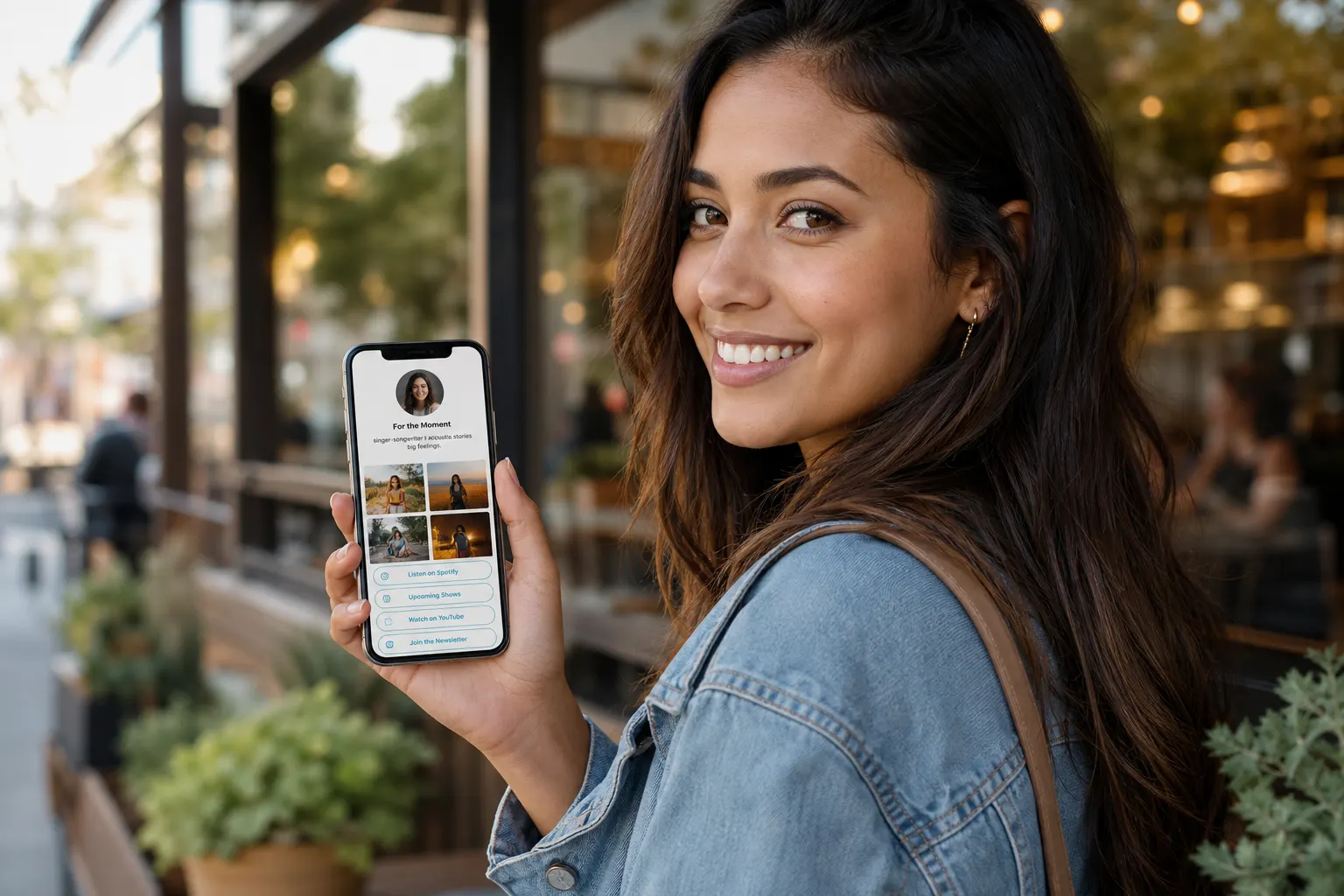
Ways to use it
Who runs a FWDLink page
Creators
Bio that opens the drop
Feature the latest set, capture Stay updated, keep outbound merch links without losing the gallery.
Service pros
Proof + quote + book
Show recent jobs, open a quote form or booking block, continue into CRM when the lead is hot.
Photographers
Galleries on the front door
Feature client-ready albums; keep selects private until you share a pack or attach a list.
Studios & shops
QR that opens you
Print one QR to your page — menus, looks, booking, and contact in the browser.
Coaches
Offer above the CTA
Lead with proof and testimonials, then booking or a form — same URL in every bio.
Teams
One brand, shared destination
Everyone shares the same username while the vault and CRM stay in the workspace behind it.
Frequently asked questions
- How is this different from a plain link list?
- Visitors open real albums and page content on your FWDLink — not only bounce to other sites. Your private library feeds what you feature.
- Is my library public when I claim a page?
- No. Content stays private until you feature it on the page, share a FWD link, or attach it to a document you send.
- Can I still add outbound links?
- Yes — stack as many as you like alongside featured albums, forms, and booking.
- Do visitors need an app?
- No. Your page and every FWD open in a browser.
- What about Smart Link and Automations?
- Smart Link helps structure the page around a goal. Automations can adapt what visitors see first by source or visit — without changing your public URL.
Claim the bio that opens work — not just links
Build fwdlink.com/you with featured albums, booking, and forms so visitors stay on your brand.