FWDLink
Smart Link
One memorable link. A page built around your goal.
Tell FWDLink what you want visitors to do. Smart Link structures content for that outcome — then you can rotate promos, booking windows, or featured sets underneath without changing the URL people already saved.
One bio URL · Goal-first setup · Pairs with Automations
The problem
Blank-page builders bury the outcome
You drag blocks for an hour and still do not know what the visitor should do first. Seasonal offers need a new link. Channels fight for the top of a link list.
The fix
Start from the goal. Keep your username forever.
Smart Link is guided setup for your public page — convert, sell, capture leads, book, or grow. FWDLink structures the page, then Design and Content fine-tune. Automations can adapt after publish.
Goal → page
From blank page to live funnel
Skip building block-by-block from scratch. Pick the outcome, get a focused page, then refine Bio or Full width without renaming the link in every bio.
Setup
Goal in. Page out.
01
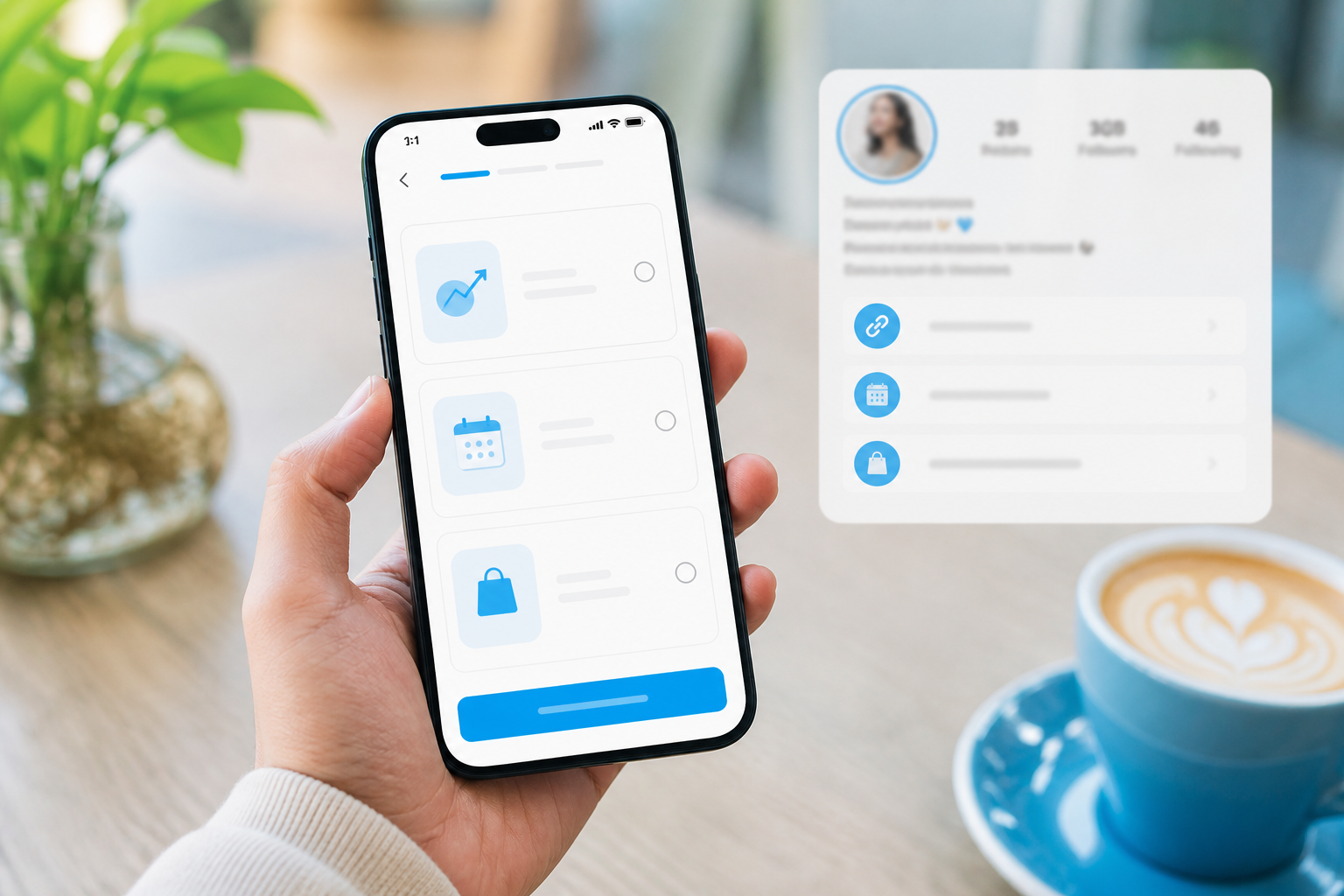
Pick what visitors should do
Convert, sell, capture leads, book time, grow an audience — start from the outcome, not a blank canvas.
02
Let FWDLink structure the page
Recommended blocks and layout focus the first screen on that goal — albums, CTAs, forms, booking.
03
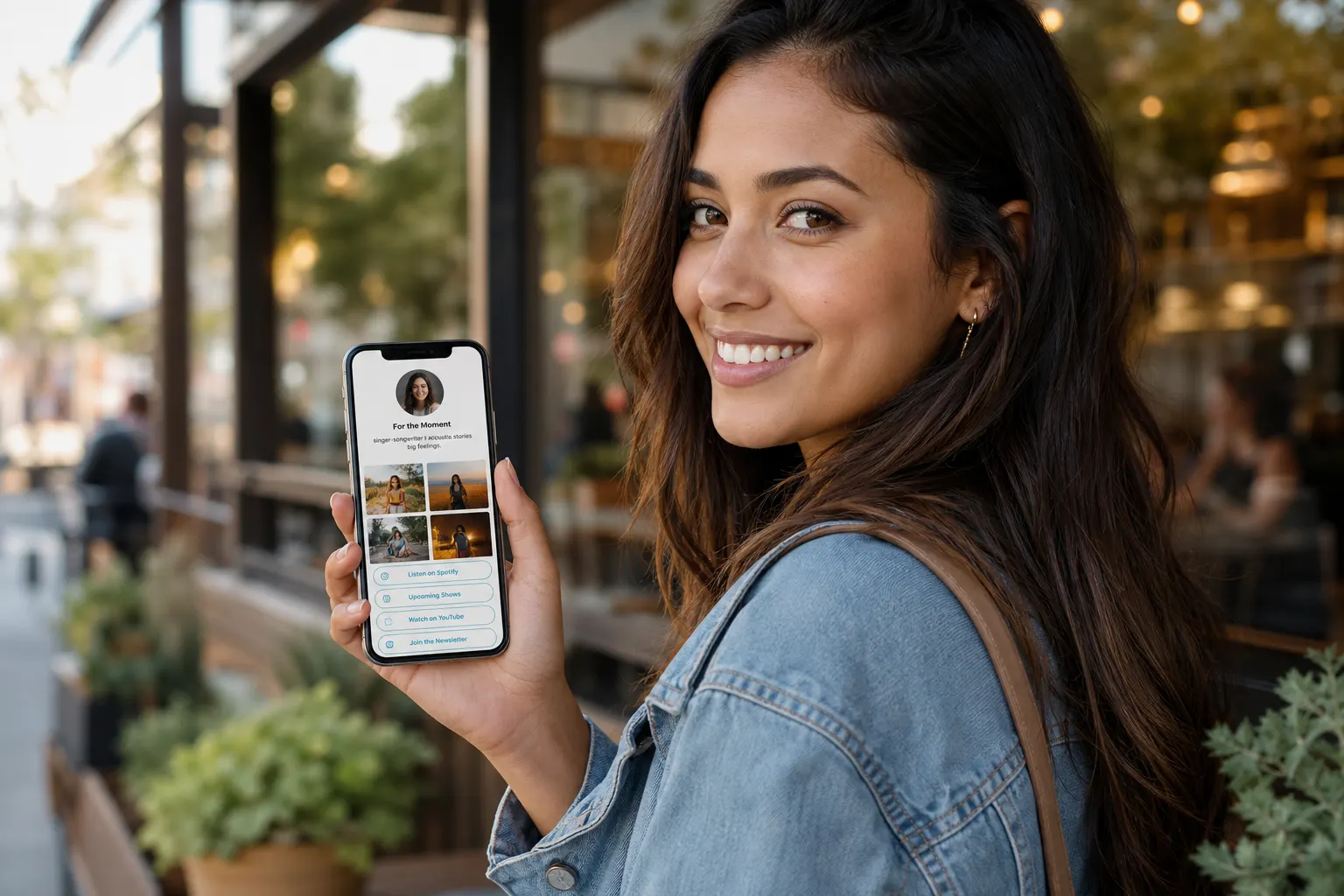
Fine-tune Design & Content
Switch Bio or Full width, swap featured sets, rewrite offers — the public URL stays put.
04
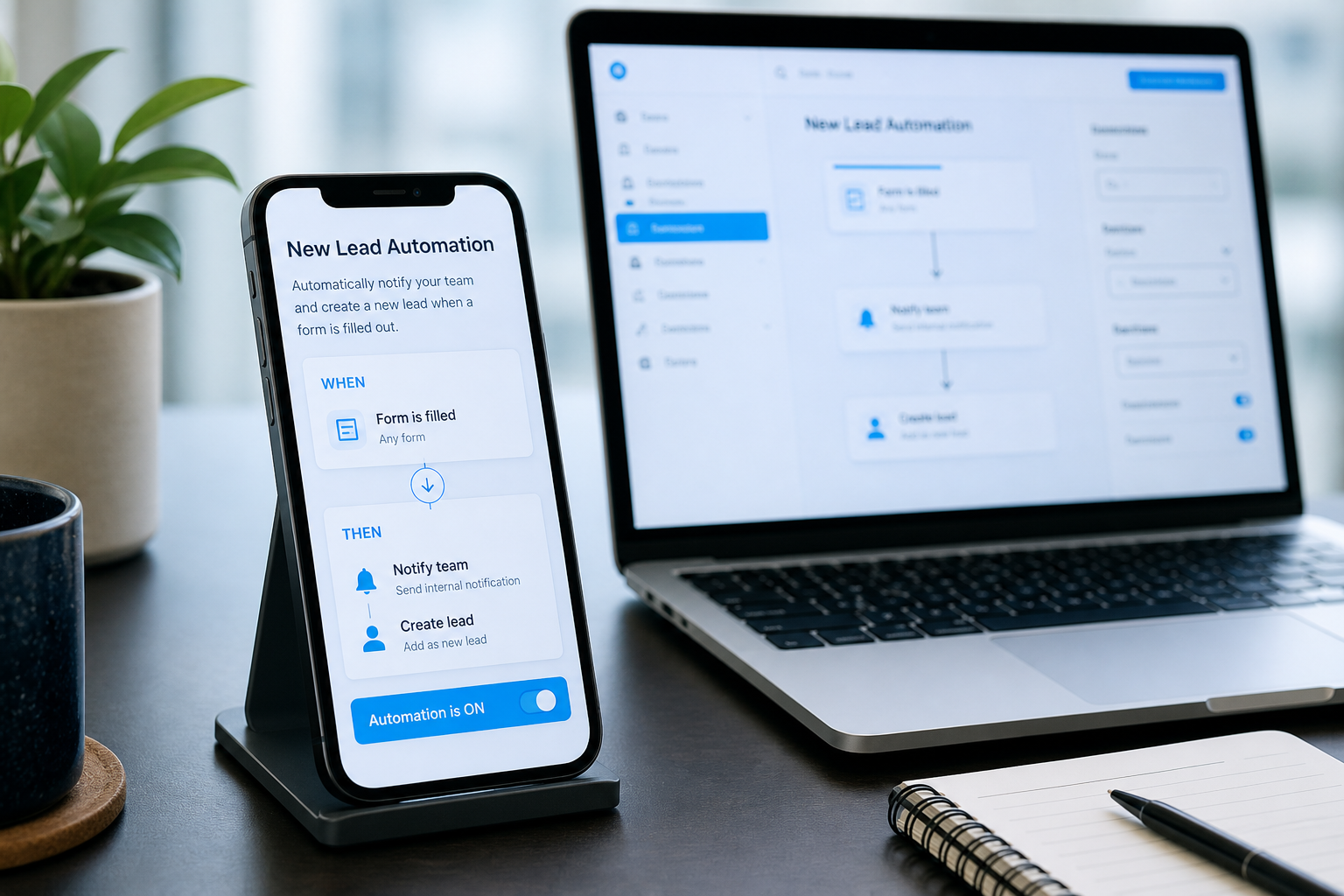
Turn on recommended Automations
Finish Smart Link and enable WHEN → THEN journeys so source and visit type keep adapting the page.
What Smart Link actually does
Guided setup — not a black box that locks your page.
Goal-first setup
Convert visitors, sell products, capture leads, book jobs, grow an audience — start from the outcome.
Same link forever
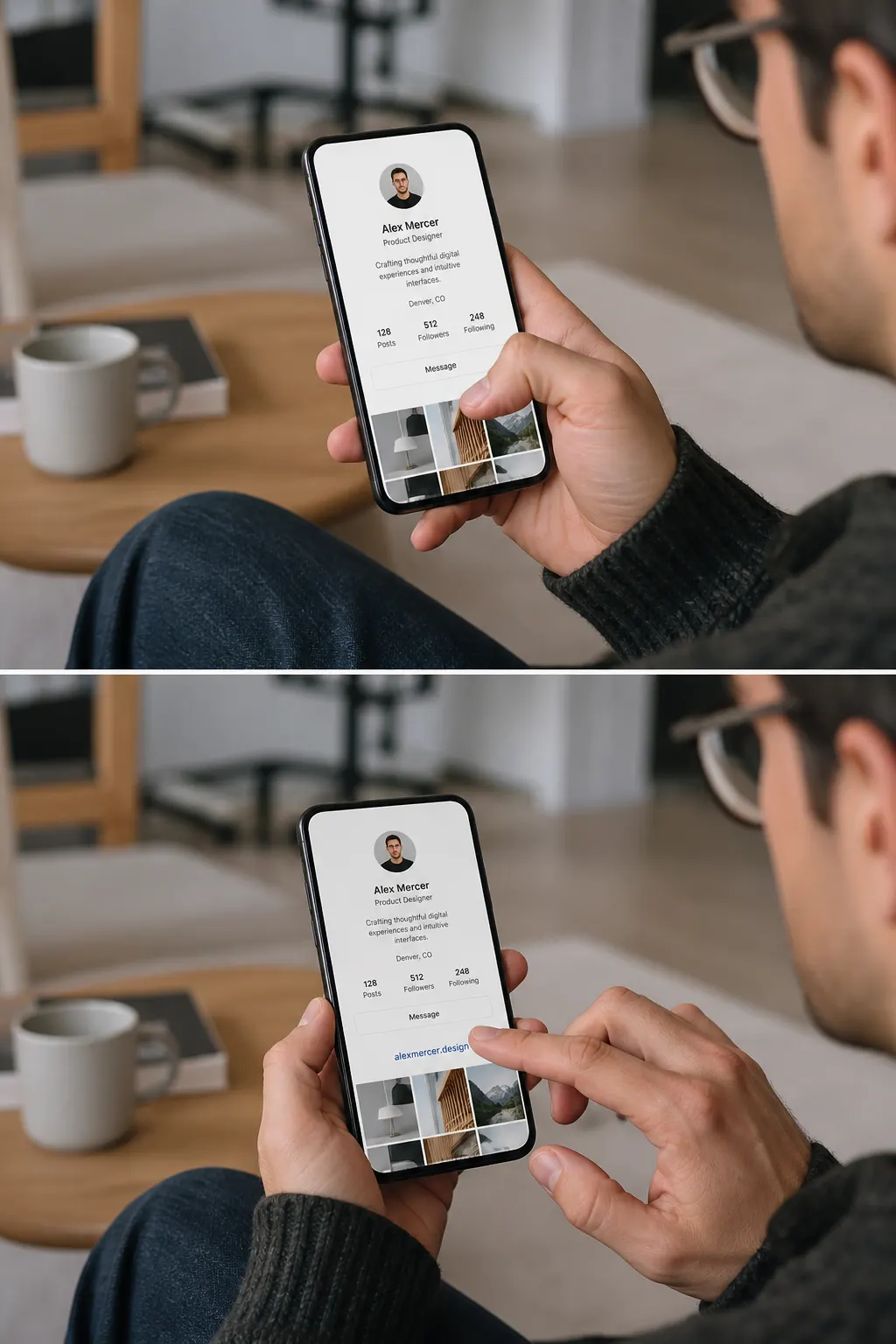
Remake or refine without changing the URL people already saved in Instagram, TikTok, or a QR.
Pairs with Automations
Activate recommended WHEN → THEN journeys in one step after setup.
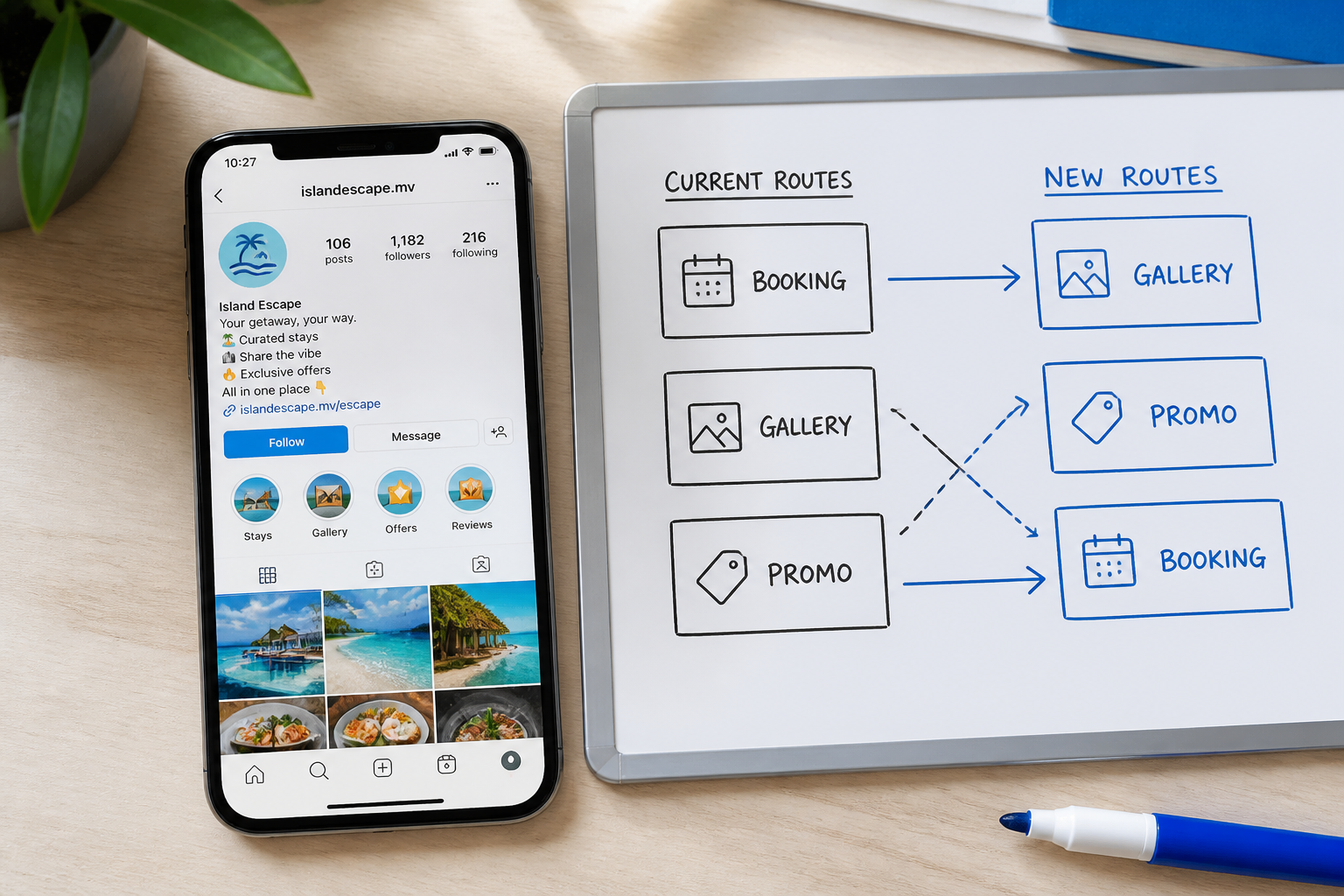
Rotate what sits under the bio — not the bio itself
This week booking, next week a gallery drop, seasonal promo after that — one memorable username in every channel.
Featured content swaps
Pull different albums and offers from the same private library.
Still fully editable
Content, Design, Templates, and Automations stay yours after Smart Link finishes.
Ways to use it
Goals people run with Smart Link
Book
Chair time & site visits
Structure the page around booking, then feature proof albums above the calendar.
Convert
Quote forms that land in Inbox
Lead with work samples and a clear Get quote — Automations can notify you on submit.
Sell
Offer-first for creators
Prioritize the drop, tip, or product CTA while galleries still prove the brand.
Grow
Stay updated + social proof
Capture followers who left the feed — one page for email/SMS intent and featured sets.
Seasonal
Promo under the same bio
Swap the hero offer for holidays or launches without reprinting every QR.
Multi-channel
One username, tagged shares
Keep the memorable URL; let Automations adapt first blocks by Instagram vs TikTok vs QR.
Frequently asked questions
- Can I edit after Smart Link?
- Yes — Content, Design, Templates, and Automations stay fully editable.
- Does Smart Link change my public URL?
- No. Your username stays put. Smart Link changes how the page is structured underneath.
- How is this different from a template?
- Templates are looks. Smart Link starts from the business outcome, then you still pick Design and refine blocks.
- Do I need Automations?
- No — but finishing Smart Link can recommend WHEN → THEN journeys so the same URL adapts by source and visit.
- Is Smart Link only for creators?
- No — contractors, beauty pros, photographers, coaches, and shops use it whenever the bio needs a clear next step.
Start from the goal. Keep the same public URL.
Run Smart Link to structure your page around the outcome — then refine Design and turn on Automations when you are ready.
Keep exploring
- Forward link
- Follow up automatically. Show the right next step.
- One public page. Your library stays private.
- Not just a button stack — a full-width page that sells.
- The one-page lead site people open from your bio
- Let them pick a time on the page you already share
- Your page. Your posts. Your audience. Your checkout.