Field photos · your page · CRM
Jobsite photos on your page — trust first, then the close
Snap progress on site, file albums by job address or client, and forward one link from your FWDLink page — not a camera-roll dump. Homeowners scroll before/afters in any browser. You keep adding as the job moves, see who looked, then send the estimate or invoice from the same workspace.
- Capture on site from any phone
- Albums by job address or client
- Your page + CRM — one live share link
Mobile-first
Shoot and share from the field
By job
Address or client name
One link
Clients open in the browser
Starter free
Page + CRM to start
Sound familiar?
Four jobsite photo headaches — one fix
Scattered shots
Progress photos live in camera rolls, group texts, and email threads — impossible to find when a client asks.
One album per job
File by address or client so the right gallery is one tap away, months later.
Messy handoffs
Sending twenty compressed texts or a Drive folder feels unprofessional and clients rarely open it all.
One live link
Forward a clean browser gallery from your page — keep adding shots without sending again.
Crew out of sync
Field and office chase different versions of “the latest photos” with no shared source of truth.
Team on one album
Crew adds to the same job gallery. Office and client see the current set.
Photos ≠ paperwork
You prove the work in photos, then switch apps to quote, schedule, or invoice.
Page + CRM together
Share the gallery, capture the lead, send estimate and invoice under one brand.
The problem
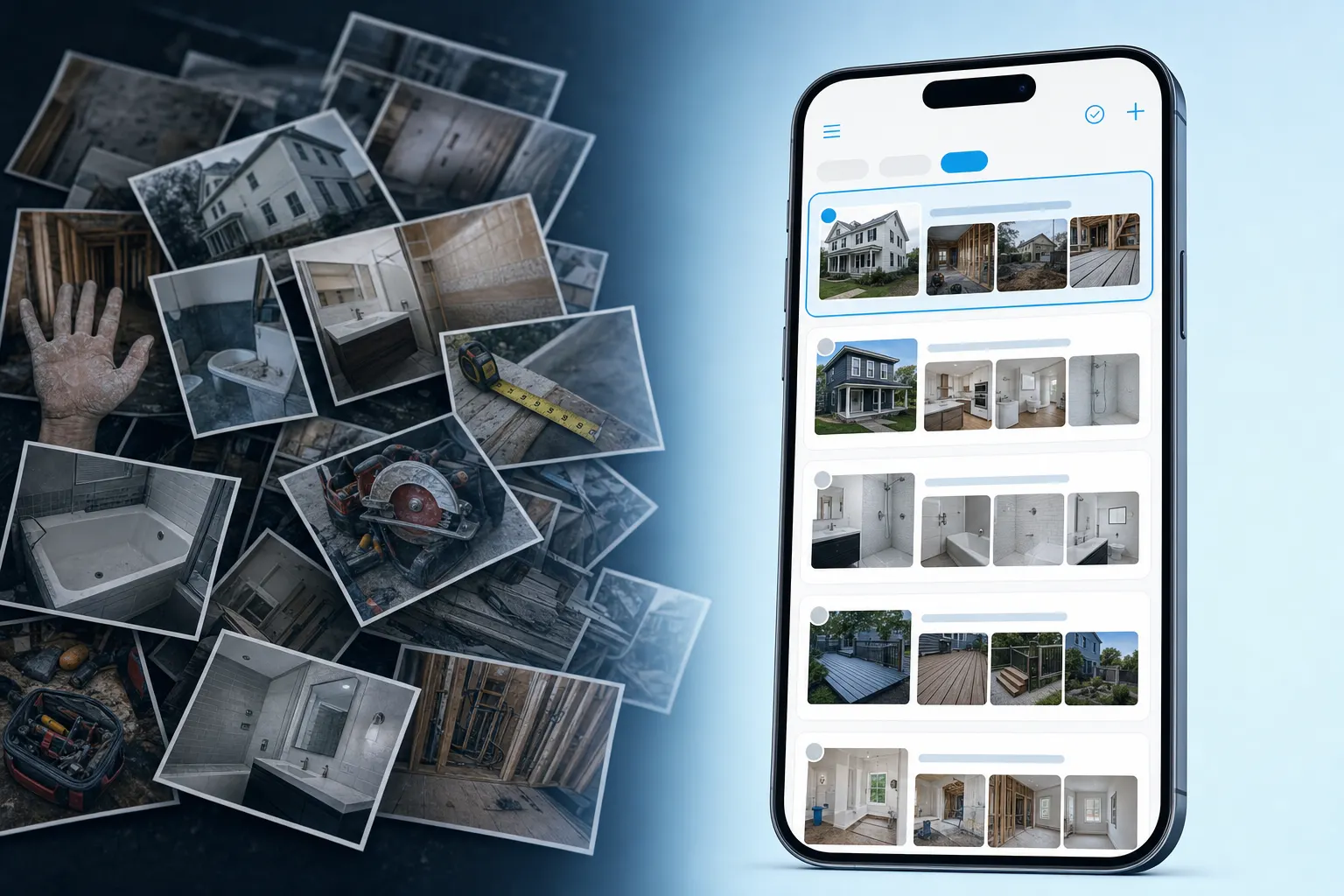
Camera rolls and folder dumps don’t win jobs
Progress shots, before/afters, and walkthrough photos scatter across phones, group texts, and Drive folders. When a homeowner asks for “those photos,” you’re scrolling. When you finally send something, it looks like a dump — not a professional handoff.
The fix
One album. One link. Then the next step.
Organize by job address or client, forward a live share pack, and move into estimate or invoice without switching tools.
Albums by job or client
Pin the site or name the client so the right set is one tap away — not buried in a mixed camera roll.
Share packs clients actually open
One browser link. No install, no login for them. Keep adding progress shots — the same URL stays current.
Look → quote or invoice
Capture interest from the pack or page, then run estimates, work orders, and invoices in FWDLink CRM.
Capture on site
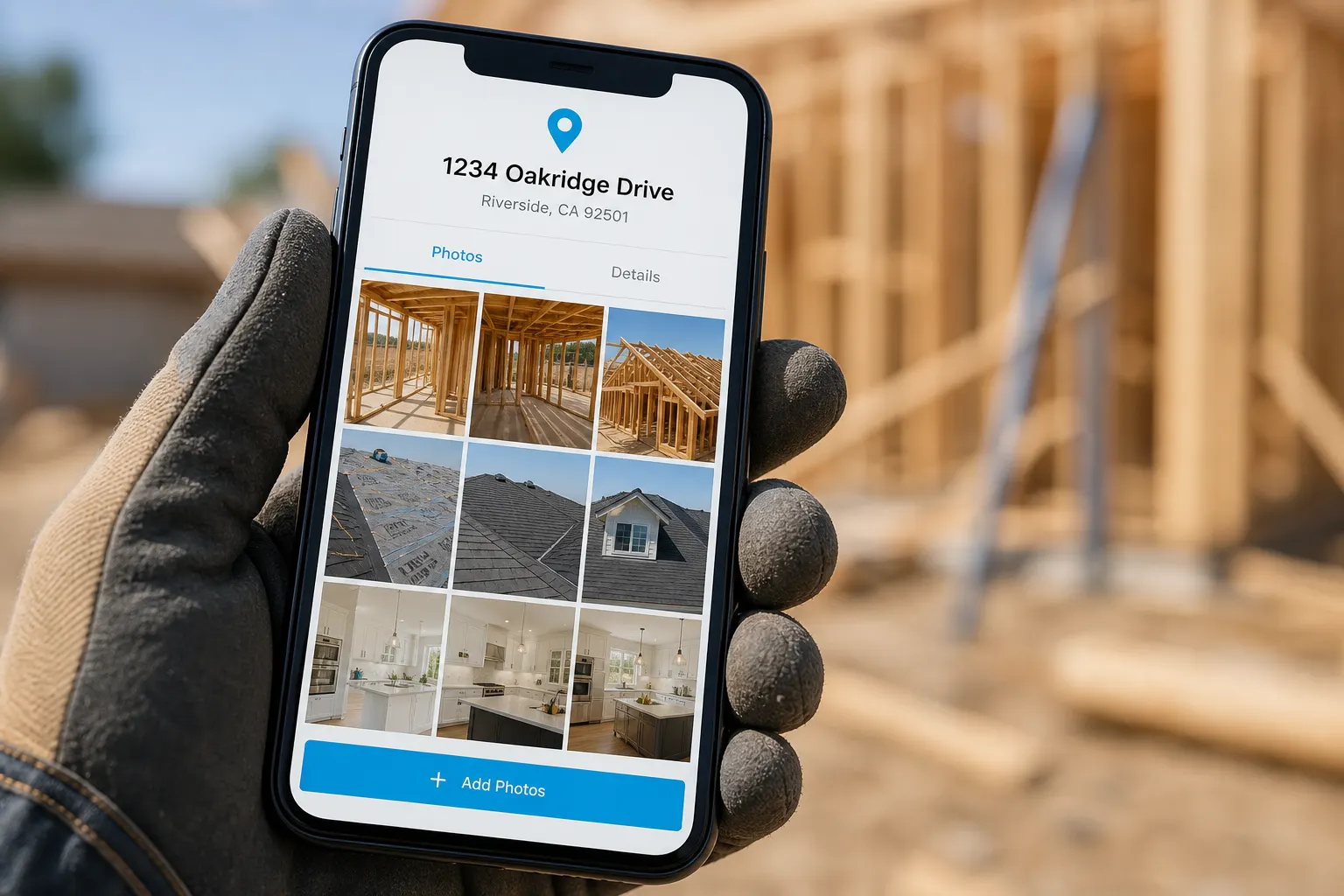
Shoot from the field. Share when you are ready.
iPhone or Android on the jobsite — snap progress, before/afters, and walkthrough shots into the job album. When you have signal, forward one link from your page. No client app, no re-uploading from a desktop folder later.
- Add shots from any phone on your account
- Pin the job address or name the client
- Same link stays live as the job progresses
How it works
From site visit to close — four steps
- 1
Capture on site
Shoot progress, before/afters, and walkthrough shots from your phone. Name the album by client or pin the job address.
- 2
Organize on your page
Albums live on your FWDLink page and vault — filed by job, client, or project so the crew and office find the right set fast.
- 3
Forward one link
Text, email, or QR — clients open it without an app or login.
- 4
Close from CRM
Views and forms land in Inbox. Estimate, work order, invoice — same platform as the share.
Before & after
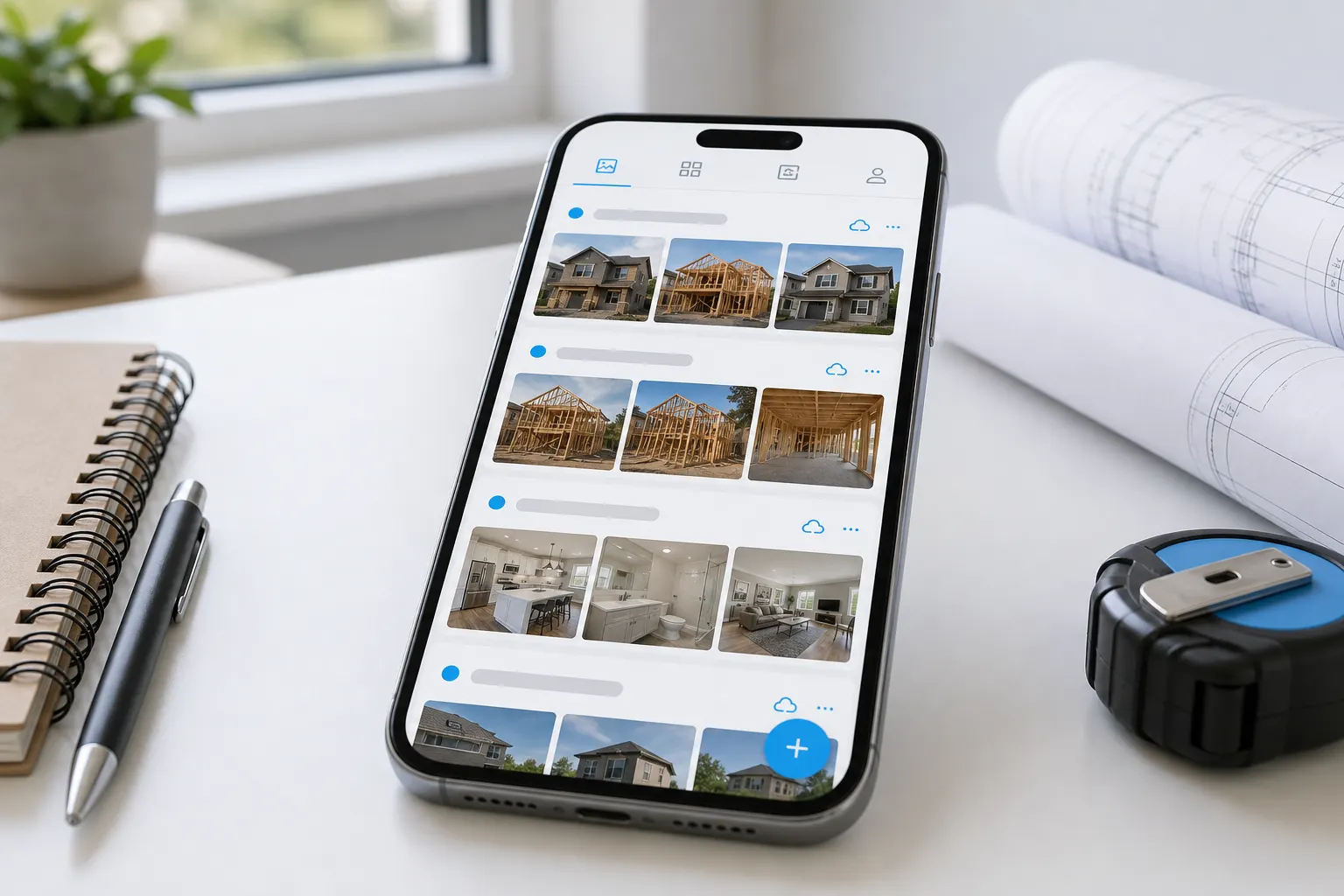
Show the transformation — not a camera-roll dump
Remodelers, roofers, and trades win trust when clients can scroll a clear before/after story. Pair progress shots with close-outs on one gallery tied to the job address — then attach the estimate while the work is fresh in their mind.


Client experience
They open a gallery — not a homework assignment
Clients scroll before/afters, progress shots, and close-ups in any browser. It reads like a clean professional update, not twenty compressed texts or a Drive permission maze.
Albums by job or client
Pin the site address or name the client — pull the right set in seconds when they ask.
One live share link
Clients browse in the browser. Keep adding after you send — same URL stays current.
From look → quote or invoice
Capture interest, then run estimates, work orders, and invoices in FWDLink CRM.
Field + office
Crew captures. Office shares. Client sees one gallery.
Multiple team members can add to the same job album. The office forwards one link when the homeowner is ready — everyone works from the same living gallery instead of chasing texts.
- Shared albums by job or client
- Add progress without re-sending the link
- Views and favorites before you call back

What you get
Built for the job-photo handoff
Place-pinned or named albums
Job sites by address, clients by name — find the right gallery months later for warranties, referrals, or callbacks.
Living share links
Forward once. Add progress or close-out shots later. Clients always open the latest set.
Views & favorites
See who looked and what they marked — useful before you call back.
Forms & Inbox
Put a quote form on the pack or page. Messages and hot share activity land where you follow up.
Estimates, work orders, invoices
Show the work, then send paperwork from the same brand — Starter includes full CRM.
Content vault
Photos, files, and notes stay in your vault — share only what you choose through the link.
Built for trades
Same workflow — whatever you build or fix
Remodeling & GC
Document phases, punch items, and close-out shots — one link for the homeowner.
HVAC & mechanical
Before/after installs, equipment swaps, and service callbacks filed by address.
Roofing & exteriors
Tear-off through close-out galleries for adjusters, GCs, and homeowners.
Landscaping & property
Progress packs for installs, maintenance rounds, and property managers.
Your page
fwdlink.com/you — photos, trust, and CRM in one place
Your FWDLink page is where clients find you and where job albums live alongside estimates, work orders, and invoices. One forwardable link for the gallery — same brand when you close the job.
fwdlink.com/you
Close the loop
Photos first. Estimate next. Invoice when you’re ready.
The same platform that hosts the share pack runs CRM: clients, estimates, work orders, and invoices. Starter is free to start — see Plans for storage, seats, and online payment fees.

Send your next job in one link
Claim a free FWDLink, build the album, and forward it after the walkthrough or visit.
Frequently asked questions
Do clients need an app?
No — they open the share pack in any browser. No install and no login for them.
Can I keep adding photos after I send the link?
Yes — the same link stays live and current as you add progress shots or close-out photos.
Can I organize albums by job address or client?
Yes. Pin a place for each job or name the album by client — so you can pull the right gallery when someone asks instead of scrolling a mixed camera roll.
Can my crew add photos to the same job album?
Yes. Multiple team members can contribute to albums tied to a job or client. The office and field stay on the same gallery — one link for the homeowner when you are ready to share.
Does this work from my phone on site?
Yes. Capture from iPhone or Android on site, organize into the job album, and share when you have signal. Your page and vault keep everything filed under your brand.
Who is this for?
Contractors, remodelers, and trades who send job photos to clients — roofing, HVAC, landscaping, and other service pros with the same handoff. Organize the work album on your page, share one live link, then quote or invoice from the same workspace.
Can I send estimates and invoices after sharing photos?
Yes. Capture a quote request from the pack or page, then run estimates, work orders, and invoices in FWDLink CRM — attach the same photos, video, or live FWDLink. Starter includes full CRM. CRM and booking online payment fees depend on your plan — see current rates on Plans.
Is FWDLink free to start?
Yes. Starter is free — claim your page, organize albums, share packs, and run CRM. Creator offers are free until you earn — see current fees on Plans. See Plans for storage, seats, and fee details.
Related
More ways contractors and service pros use FWDLink
- Jobsite photo app
- The photos they asked for — not your entire camera roll.
- Build the list. Attach it. FWD it.
- From page lead to paid job — one flow
- Photographer client gallery — experience over download dumps
- Request files
- Free website builder — forever free on Starter
- Your link captures leads — and can run the job
- Content library
- Place-pinned albums — organize work and life by where it happened