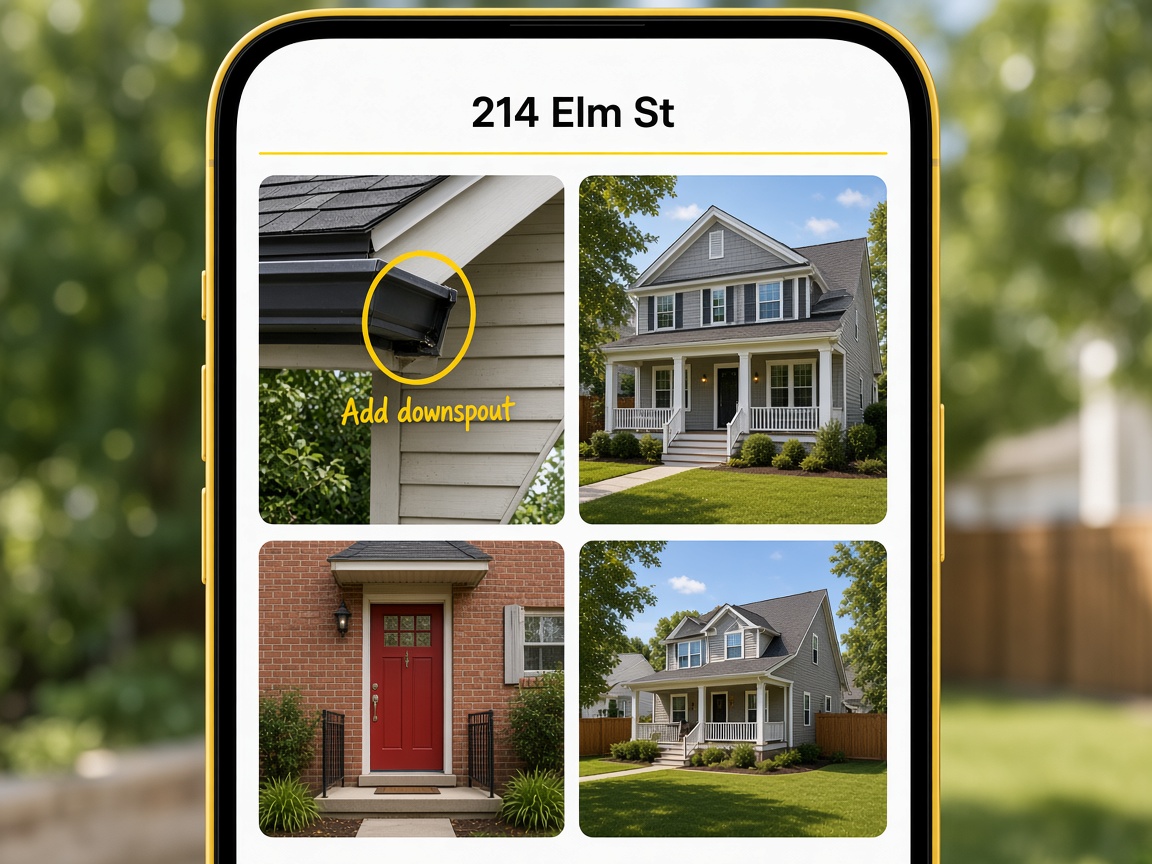
Photos live under the address
Four visits do not collapse into one camera roll. Open the address and the set for that job is already there.
Album per job
For contractors & field service
Your field service photo app on any phone — capture job site pictures and service job photos on site, organize by project address, and share with clients.
Start free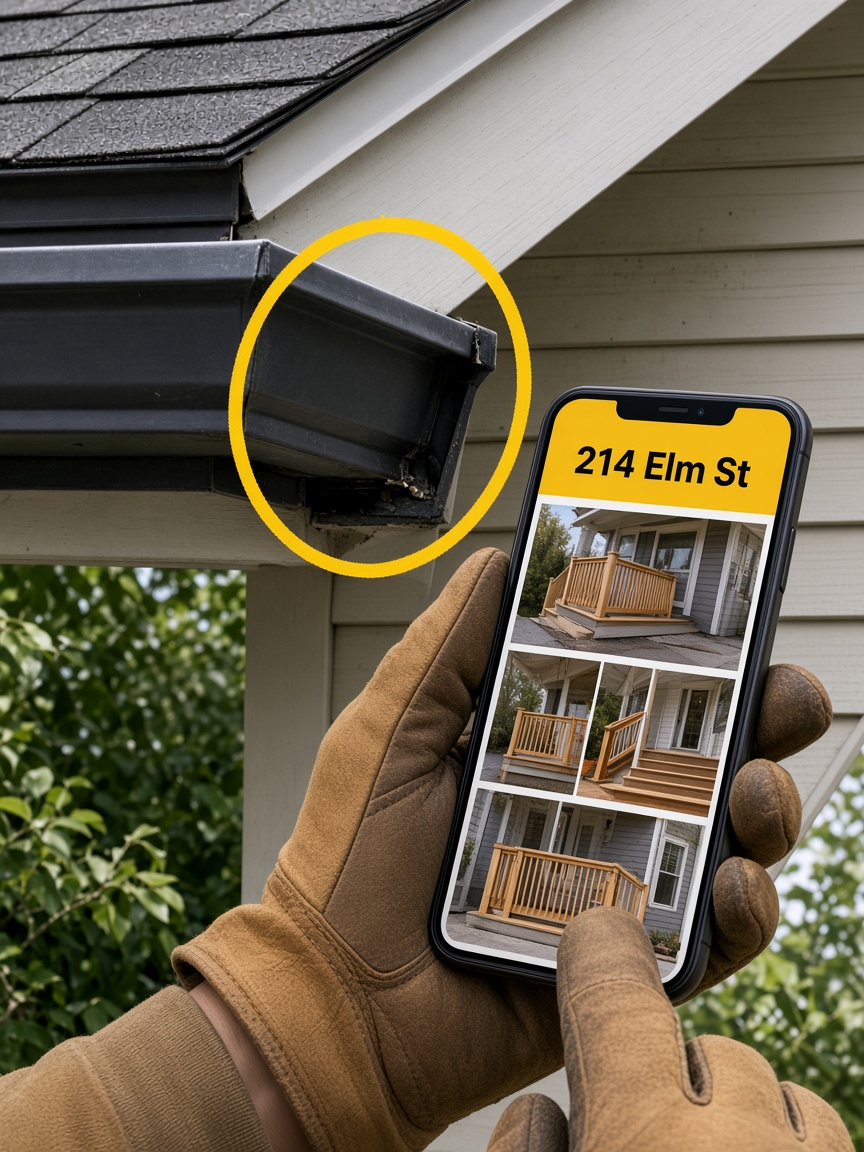
Four visits do not collapse into one camera roll. Open the address and the set for that job is already there.
Album per job
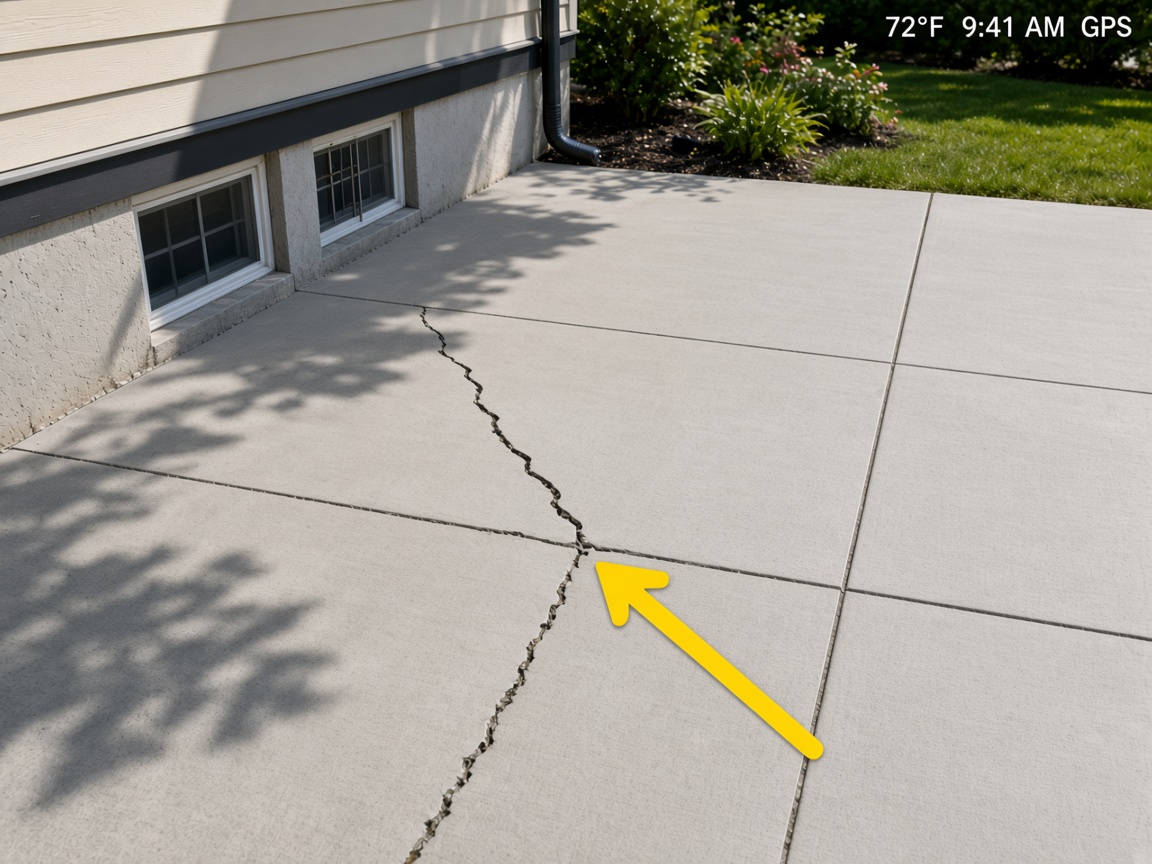
The overlay is part of the picture. When the client opens the link, they still see when and where.
Burned into the photo
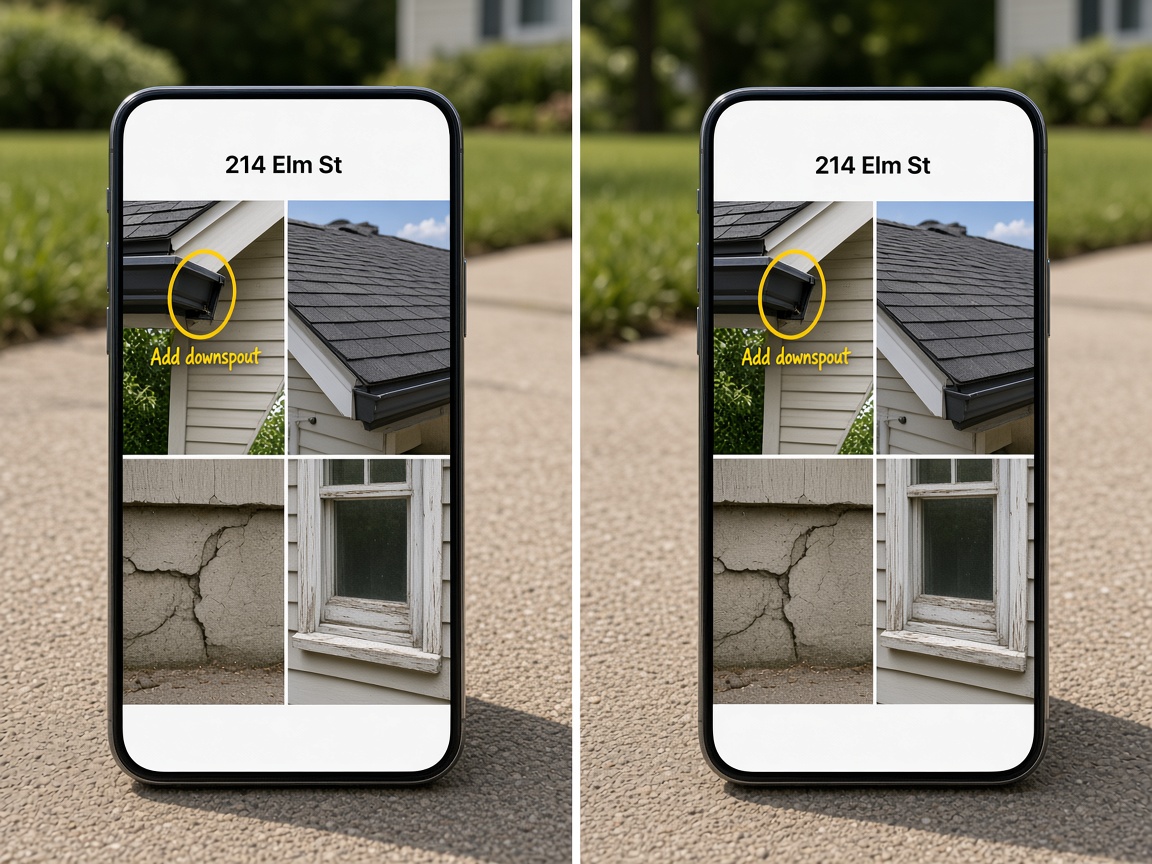
Field and office upload to the same address. Nobody is texting a partial set back to the shop.
One set
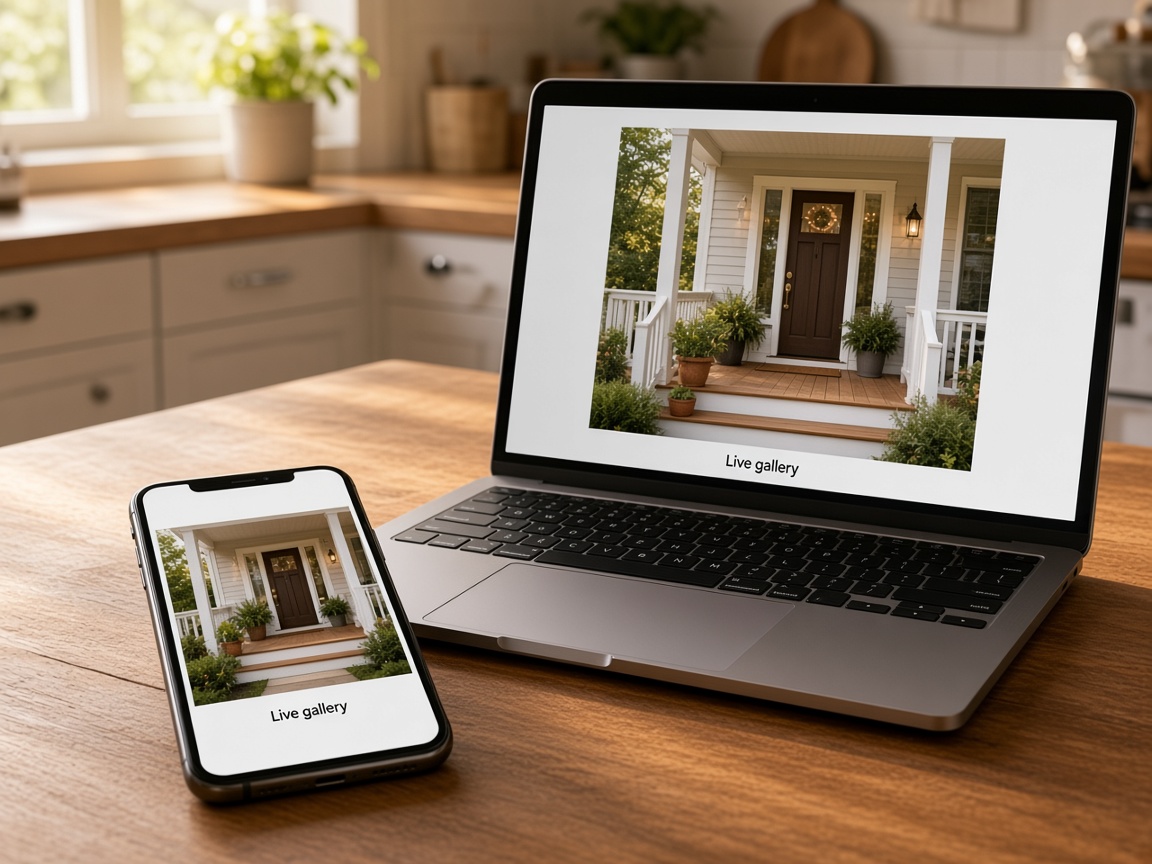
FWD one link. They see the album in the browser. Add a photo later and the same link still works.
Private until you FWD
Free jobsite photo app for contractors and field service. Your field service photo app on any phone — capture job site pictures and service job photos on site, organize by project address, and share with clients. If you already take pictures on the job, they usually land in the same camera roll as everything else. A jobsite photo app is work photo storage organized by address: each visit’s shots stay in that job’s album so warranty calls and callbacks are a search — not ten minutes of scrolling. See creating and organizing albums for how albums, titles, and pinned locations work in FWDLink.
You are not learning a new kind of photography. You already shoot arrival, progress, and finish. Photo annotations let you draw the callout on the shot before you leave the driveway. When the photo is not the plan, sketch canvas holds a blank-grid layout on the same address. Weather, time, and place can stay burned into the overlay so the proof still reads when someone opens the link later.
Field and office should see one set. Invite teammates who can upload to the shared album while billing and client links stay with you. That is crew job photo documentation on the phone you already carry — the same album feeds share links you FWD when the client is ready. They open a gallery in the browser with no app install; add photos later and the same URL stays current. Share links can be public, password-gated, or invite-only — see sharing an album.
The album and the paperwork share one workspace. Send an estimate while the job is still fresh, turn it into a work order when they say go, and invoice with the same pictures or a short walkthrough. The request, photos, and payment trail stay on one card in your CRM pipeline — not a second record in another tool. Lead capture on Your Page lands new asks in that same pipeline.
Your Page is free to claim. Put real job photos, a request form, and one link in your bio. When you want more work nearby, list on Local Pages so neighbors browsing by city and trade can see proof — marketplace listings use the same account when you are scanning Help Wanted nearby. Starter is free; see Plans when you need more storage, teammates, or online payments.
New here? Skim how it works and the full features list — or turn on automations so a quote ask pings you while you are still on the ladder. Every path starts the same way: one album for the address, private until you choose what leaves.
Arrows, outlines, and notes in marker yellow before you FWD the link.
Clients open it in the browser — forward the same URL, turn it off when done.
Estimates, work orders, and bills carry the proof you already captured.
Blank grid layouts saved on the job address.
Real job photos, a request form, and one link for ads and bios.
Form submissions land as cards you can quote from the field.
New → Need to contact → Quoted → Won on one job card.
Show up by city and trade with the photos you already take.
Photos, page, CRM, bookings, and automations in one place.
Use the phone you already have. Before, during, and after — it all starts on site.
Create or open the album for that address. Pin the site location when you need the street on record.
FWD a live gallery from share links. They open it in any browser — no app to install.
Attach the same photos to the estimate, work order, or invoice from the same job card.
Publish Your Page with real job photos and list on Local when you want nearby hires.
It is work photo storage built for jobs — albums by address, a client-ready share link, and the same shots on the estimate or invoice. Not a mixed camera roll or a folder you sort by hand.
Create an album and pin the job address. Uploads from the field land there. Search by address or client name instead of scrolling a mixed camera roll.
Yes. Invite teammates who can upload photos. They add shots to the shared album; billing and client links stay with you.
Send a read-only gallery link from the album or Your Page. They open it in any browser. Keep adding photos; the same link stays current.
Yes. Your page and CRM share one workspace. Attach photos, a walkthrough, files, or a live FWDLink from the album on the public estimate or invoice.
Yes. Albums stay private until you create and FWD a share link. You can turn the link off when the handoff is done.
Camera rolls mix every job together. Drive folders need manual sorting. Here, photos live with the project, the crew can add from the site, and you send a client-ready link — not a zip of your whole phone.
No. Anyone who needs photos on active jobs can use it the same way — HVAC, plumbing, electrical, landscaping, cleaning, remodeling, property management, and general contracting.
Yes. Albums, client records, bookings, estimates, work orders, and invoices share one workspace on the pipeline board.
Starter is free to start — your page, albums, and CRM included. See current fees on Plans for storage, extra teammates, and online payments.
Yes. Publish Your Page with real job photos and show up on Local Pages by city and trade. Marketplace lists Help Wanted and jobs nearby in the same account.
A camera roll mixes every job with personal shots. A share link is this job’s album only. The client opens a gallery in the browser — no zip — and the same link stays current as you add more.
The features crews use every day — photos, markup, quotes, and the page that brings the next lead in.
Explore core features →Same albums by address — different moments on the job.
Draw on the shot before it leaves the driveway.
One live link the client can open and forward.
The same photos can ride the bill.
Free public page with real job photos and a request form.
Move the job from new to quoted to paid on one card.
See the full path from album to client link to invoice.
Start free. The photos stay with the address.
Start free