FWDLink
Automations
Follow up automatically. Show the right next step.
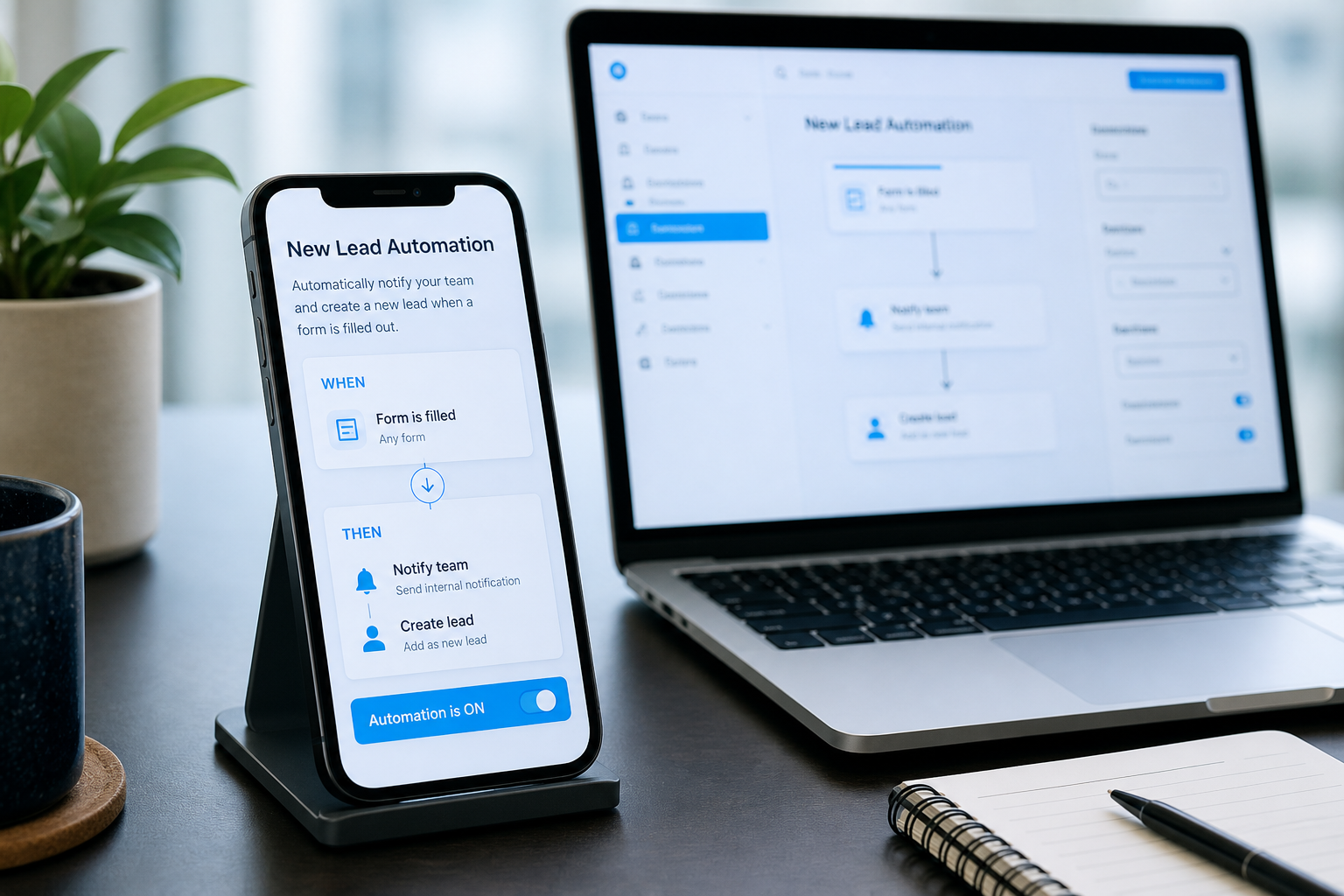
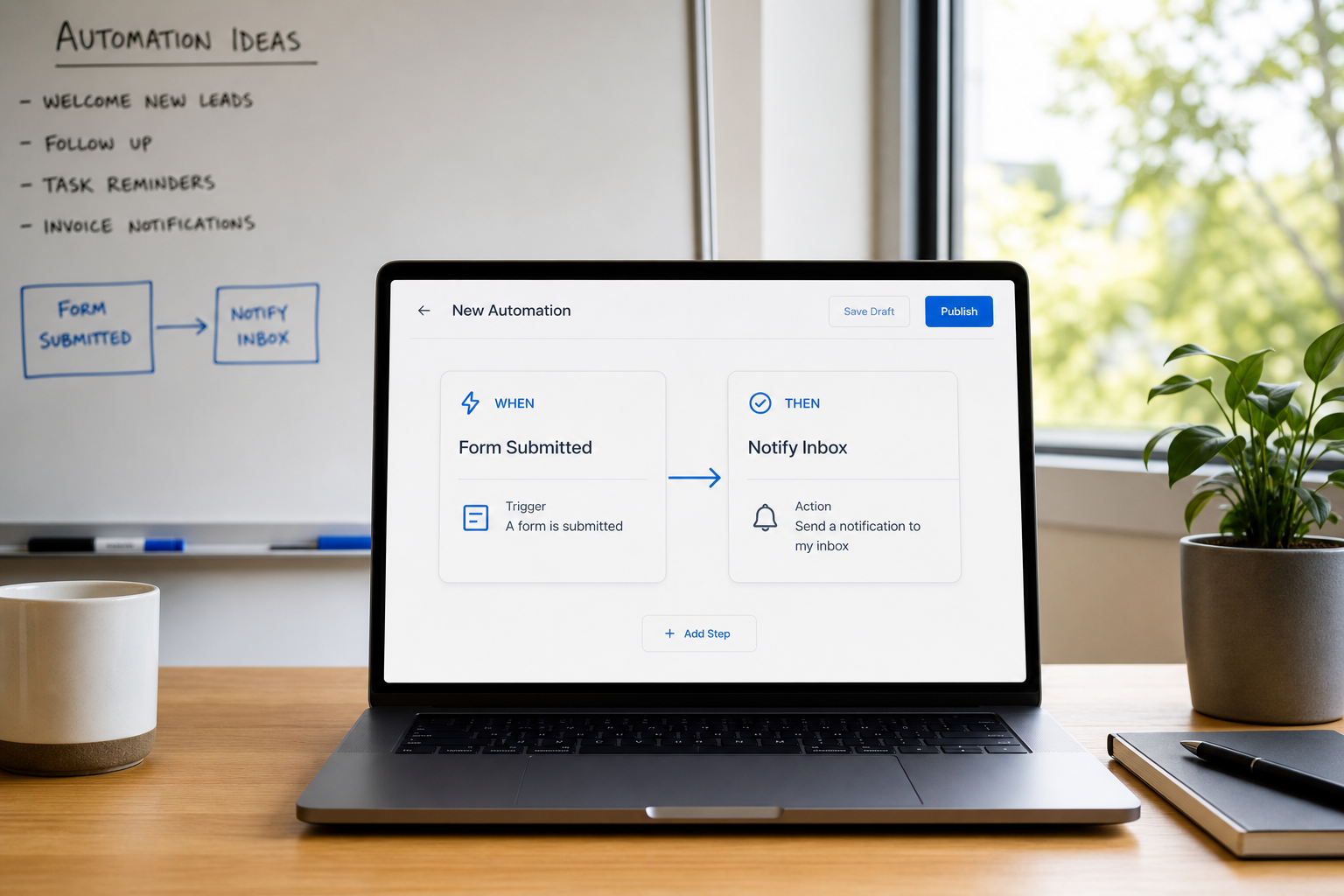
Spend less time chasing the same move. Automations run WHEN → THEN recipes — notify you, create lead intent, prioritize an offer, or open a tab — so forms, bookings, and shares keep moving.
WHEN → THEN recipes · Same public URL · Log of what ran
The problem
Leads die in the gap between “they tapped” and “you replied”
Forms sit unread. Bookings need a reminder. Instagram traffic wants a different first block than a QR on the door — and you end up maintaining three landing pages for one brand.
The fix
One URL. Recipes that fire when something happens.
Enable recommended journeys from your goal, or build your own. Tagged share links and visit context adapt what people see first. Follow-ups for forms, bookings, and shares land where you already work.
How Automations fit
Built for the link you already share
Smart Link focuses the page on a goal. Automations keep adapting it after publish — Stories, ads, and QR traffic convert without a second landing page.
Setup
From goal to running recipes
01
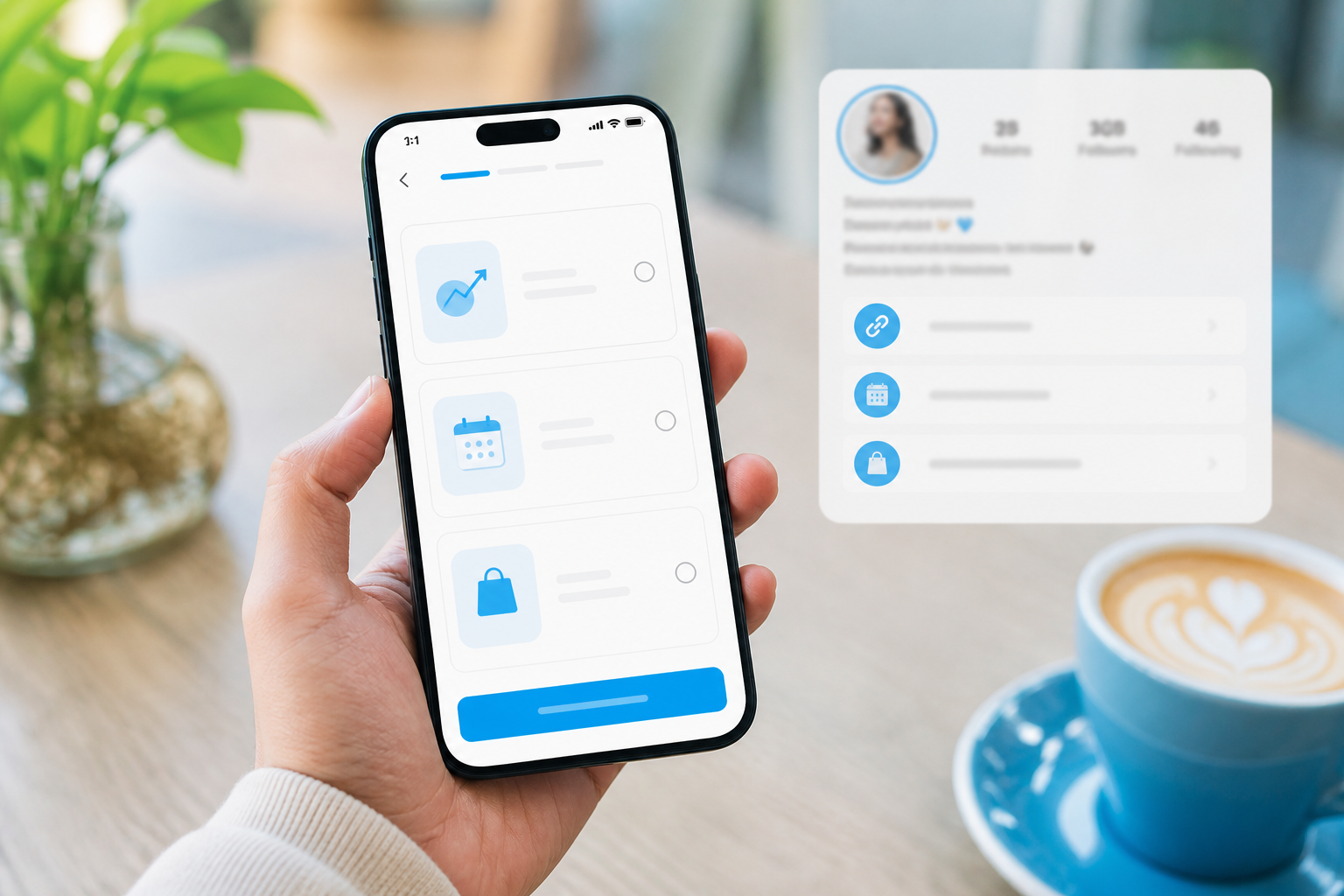
Start from a goal
Finish Smart Link (or open Automations) so recommended WHEN → THEN journeys match what you want visitors to do.
02
Enable or build recipes
Turn on recommended journeys, reorder priority, or add your own — form → lead + email, booking → reminder, share opened → notify.
03
Tag how you share
Use tagged share links (Instagram, TikTok, QR) or UTM/src so Automations know the source — same public username.
04
Check what ran
Execution log shows which automation matched. Analytics can attribute views, leads, and $ by source.
Concrete automation moves
Not “AI magic” — recipes you can read and reorder.
Form → lead + notify
When someone submits contact or quote, create lead intent and ping your inbox so you reply fast.
Booking → reminder
Keep appointments from falling through — follow up when a booking lands or needs a nudge.
Share opened → notify
Know when a pack or list gets attention so hot engagement surfaces next to other inbox signals.
Source-aware first blocks
Prioritize an offer or tab for Instagram vs QR traffic without cloning the page.
Same link forever — smarter after publish
Remake or refine Automations without changing the URL people already saved in their bio.
Ways to use it
When Automations earn their keep
Service pros
Quote form that does not sit cold
Form → lead + email so walkthrough requests hit your workspace while intent is fresh.
Beauty & studios
Booking that reminds
Confirm and nudge appointments without another calendar product bolted on.
Creators
Instagram vs TikTok first screen
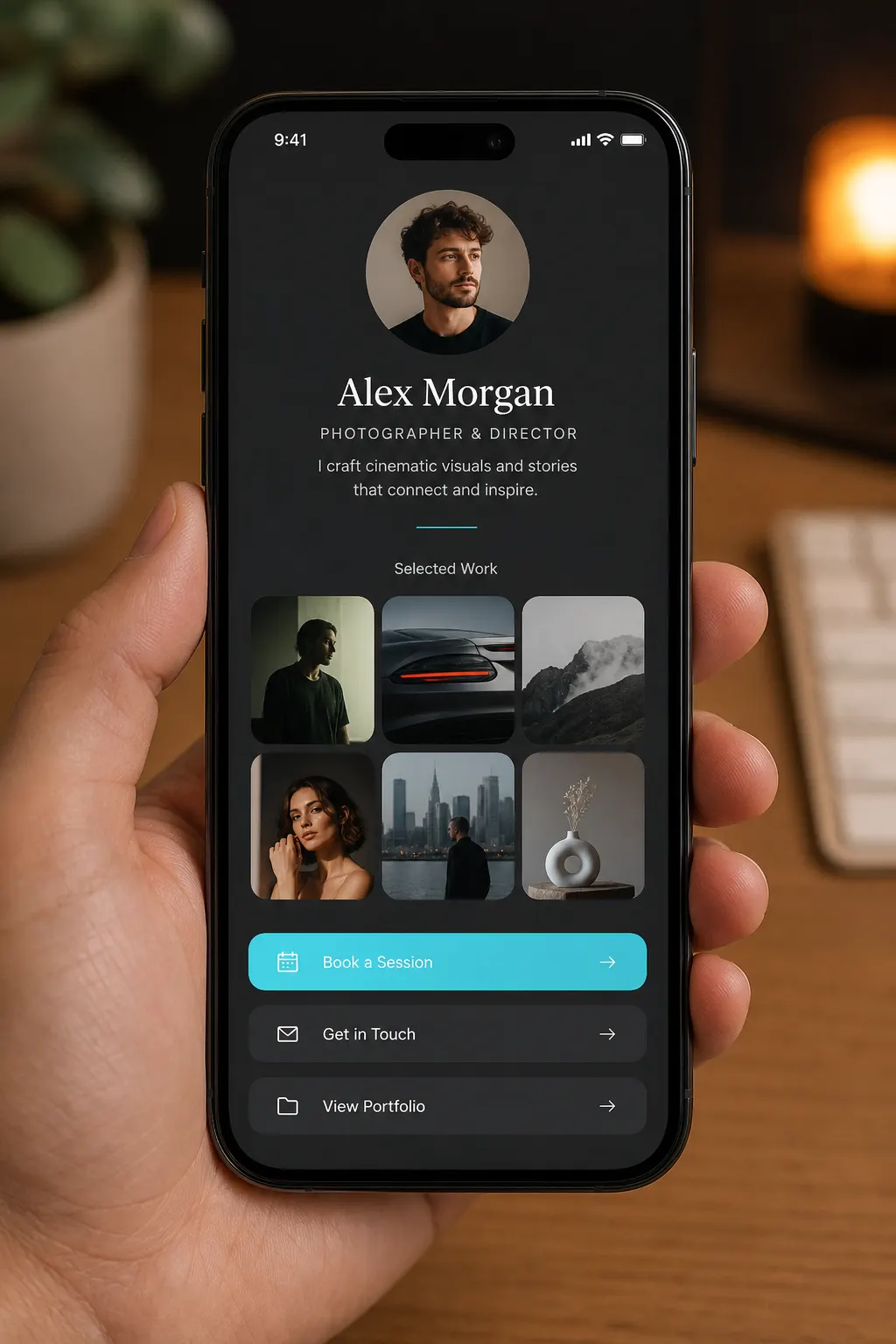
Tagged shares prioritize the drop or the join CTA for each channel — one username.
Photographers
Share opened, follow up
Get notified when a client gallery pack gets attention before the deadline.
Local shops
QR vs bio traffic
Door QR can open menu or booking first; bio traffic can open the lookbook — same page.
Teams
Less chasing, clearer log
See which recipe fired so handoffs between page leads and CRM follow-up stay honest.
Frequently asked questions
- Do I need a different link per channel?
- No. Keep one public URL. Use tagged share links or UTM/src so Automations know the source.
- Is this the same as CRM automations?
- Page Automations change what visitors see on your public FWDLink, and they run when someone opens or shares it. CRM workflows pick up after that — following up with a client in your business workspace. Same brand either way; they just fire at different moments.
- Can I edit after enabling recipes?
- Yes — enable, disable, reorder, and refine anytime without changing your public username.
- How does this relate to Smart Link?
- Smart Link sets the goal and structures the page. Automations keep adapting after publish and can turn on recommended journeys in one step.
- Will visitors notice Automations?
- They just see a page that fits how they arrived — the right block first, not a confusing wall of options.
Same URL. Smarter first impression.
Turn on page Automations so visitors see the right block first — without changing the link you already share.