FWDLink
Lists
Build the list. Attach it. FWD it.
FWD Lists are durable collections — photos, files, links, and checklist items you keep in the workspace. Attach them to albums or forward the whole list as one link. Not a one-shot chat dump.
Attach to albums · FWD on their own · Reopen next week
The problem
Notes apps and group chats bury the punch list
Shot lists live in a different app from the gallery. Packing lists die in email. Vendor picks are a screenshot. When you need to forward the set again, you rebuild it.
The fix
A list you keep — then FWD like everything else
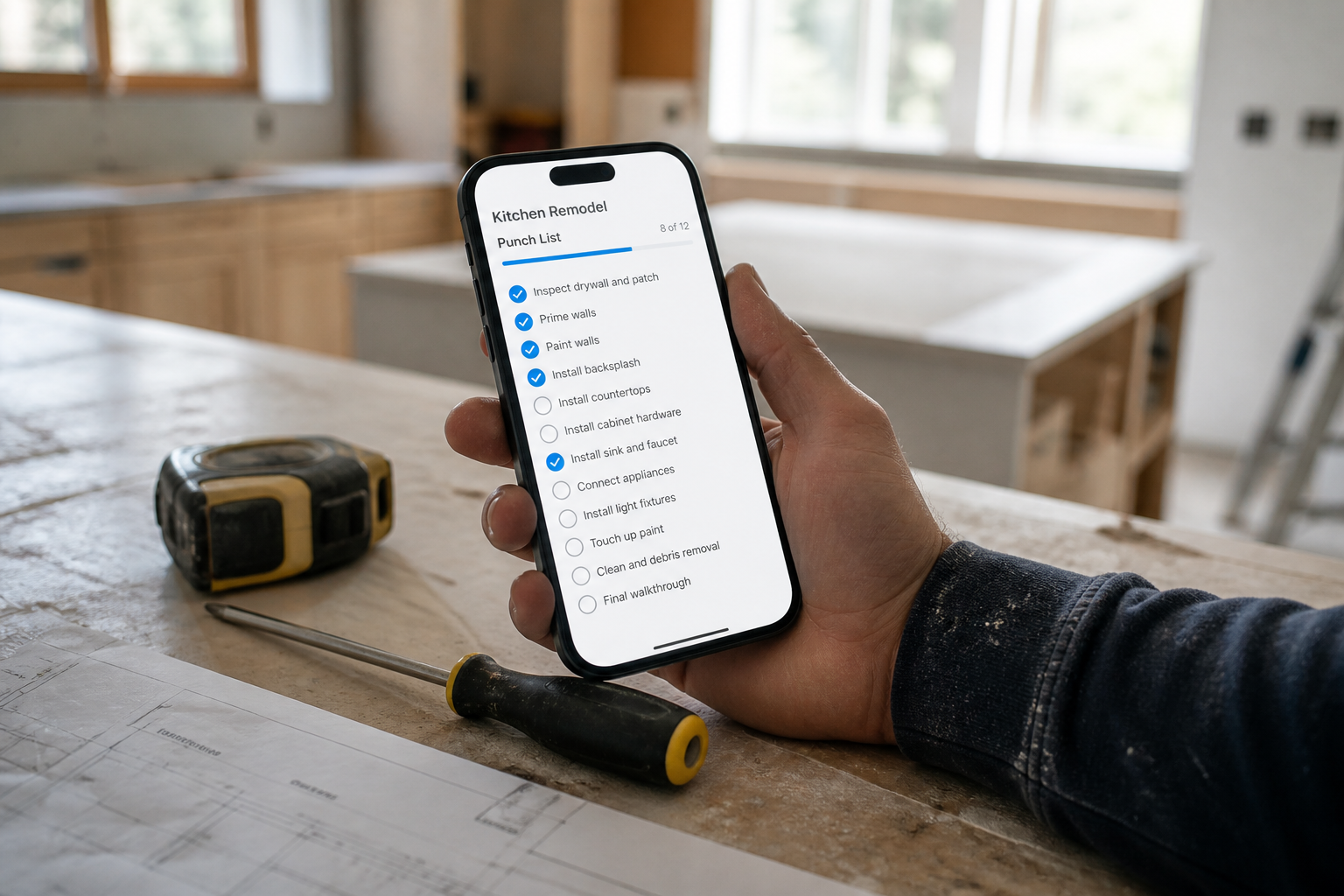
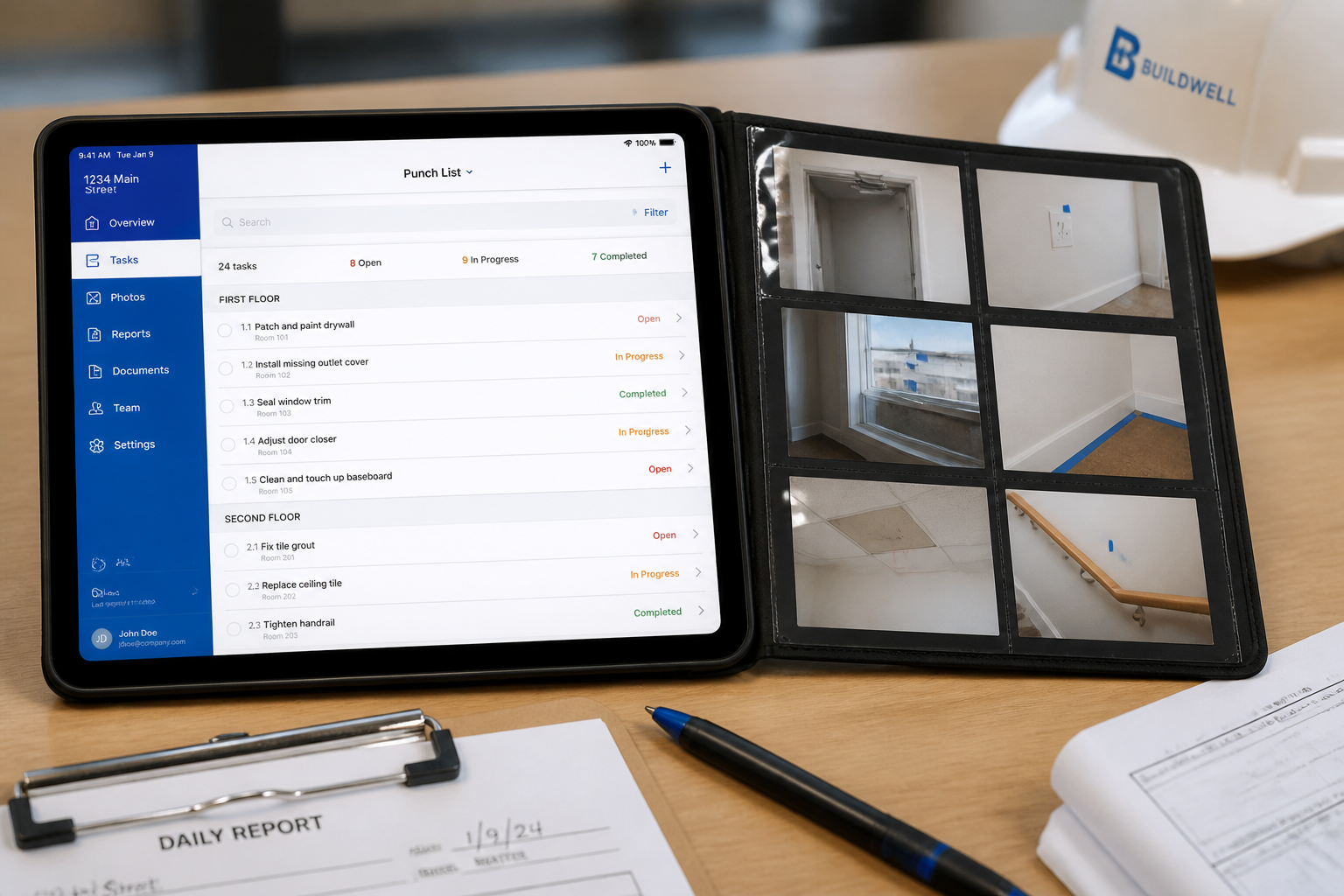
Create a FWD List in your workspace. Add links, uploads, and items from your library. Attach it to an album for context, or publish/forward the list alone. Reorder, annotate, and send again next week.
Save → organize → FWD
The durable middle step of the FWDLink story
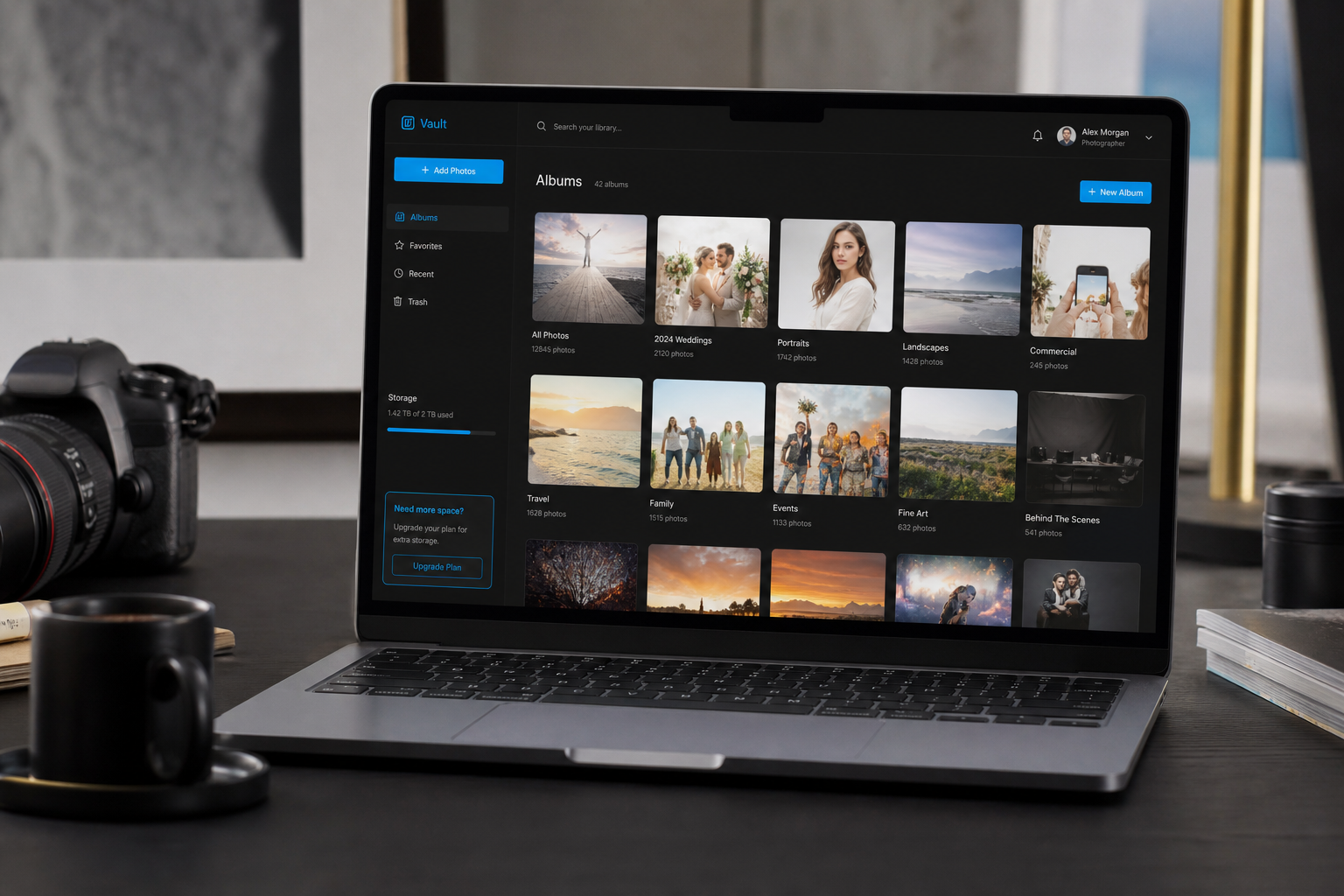
Albums hold media. Lists hold ordered collections — checklists, picks, and mixed media — that outlive a single share basket.
List flow
From empty list to forwarded link
01
Create a list
Open Lists in your workspace. Start from a template or a blank name — punch list, shot list, packing, vendors.
02
Add items
Paste links, upload files, pull from your library, annotate notes — keep order as you go.
03
Attach or FWD
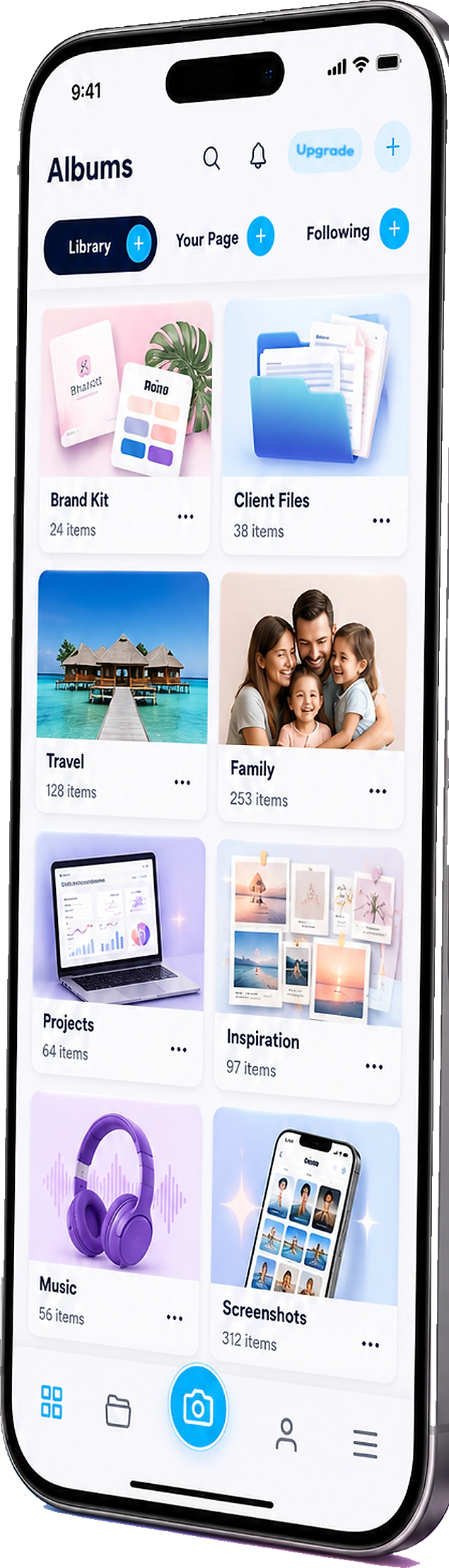
Attach the list to an album so recipients see media + checklist together — or forward the list on its own.
04
Reopen and resend
Lists stay in the workspace. Update items, reorder, and FWD again — links already sent keep working.
What FWD Lists are for
Concrete list types — not another notes app island.
Punch lists
Unit B leftovers, walkthrough items, sign-off checks — attach to the jobsite album.
Shot lists
Wedding day must-haves, brand frames, location notes — ride with the shoot gallery.
Packing & vendor lists
Trip packing, event vendors, referral picks — FWD the whole collection as one link.
Mixed media collections
Photos, PDFs, links, and contacts in one ordered list — durable, not a disposable basket.
Lists live with the library — and the page
Same vault as albums. Same brand when you feature work on your public page. Same inbox when engagement matters.

Ways to use it
Lists that match how you work
Contractors
Punch list on the job album
Attach open items to week-3 progress photos; FWD to the GC without rebuilding the thread.
Photographers
Shot list beside selects
Keep must-have frames ordered; attach to the client gallery when delivery starts.
Events
Vendor + packing in one FWD
One list for vendors, docs, and packing checks — reopen after every weekend.
Real estate
Showing checklist + listing album
Pin prep items to the listing set agents forward to buyers.
Creators
Drop checklist + featured set
Track launch to-dos; FWD the list or feature the album on your page when live.
Teams
Shared lists in the workspace
Everyone edits the same durable list instead of forwarding a stale screenshot.
Frequently asked questions
- What is a FWD List?
- A named, editable collection of photos, videos, files, links, and checklist items that lives in your workspace. You can attach it to an album or FWD it on its own — as many times as you need.
- How is a list different from an album?
- Albums are media sets. Lists are ordered collections that can mix media, links, and checklist-style items — and they are built to attach or forward repeatedly.
- Can I attach a list to an album?
- Yes — attach FWD Lists to albums so recipients get media and the checklist in one place.
- Do recipients need a FWDLink account?
- No — they open the forwarded list (or album + list) in any browser.
- Is this the same as a share basket?
- A share basket is a one-shot staging area. A FWD List is the durable version — reopen, edit, and forward again next week.
Build the list once. Forward it every week.
Create a FWD List, attach it to albums when you need media + checklist, and resend the same pack without rebuilding.