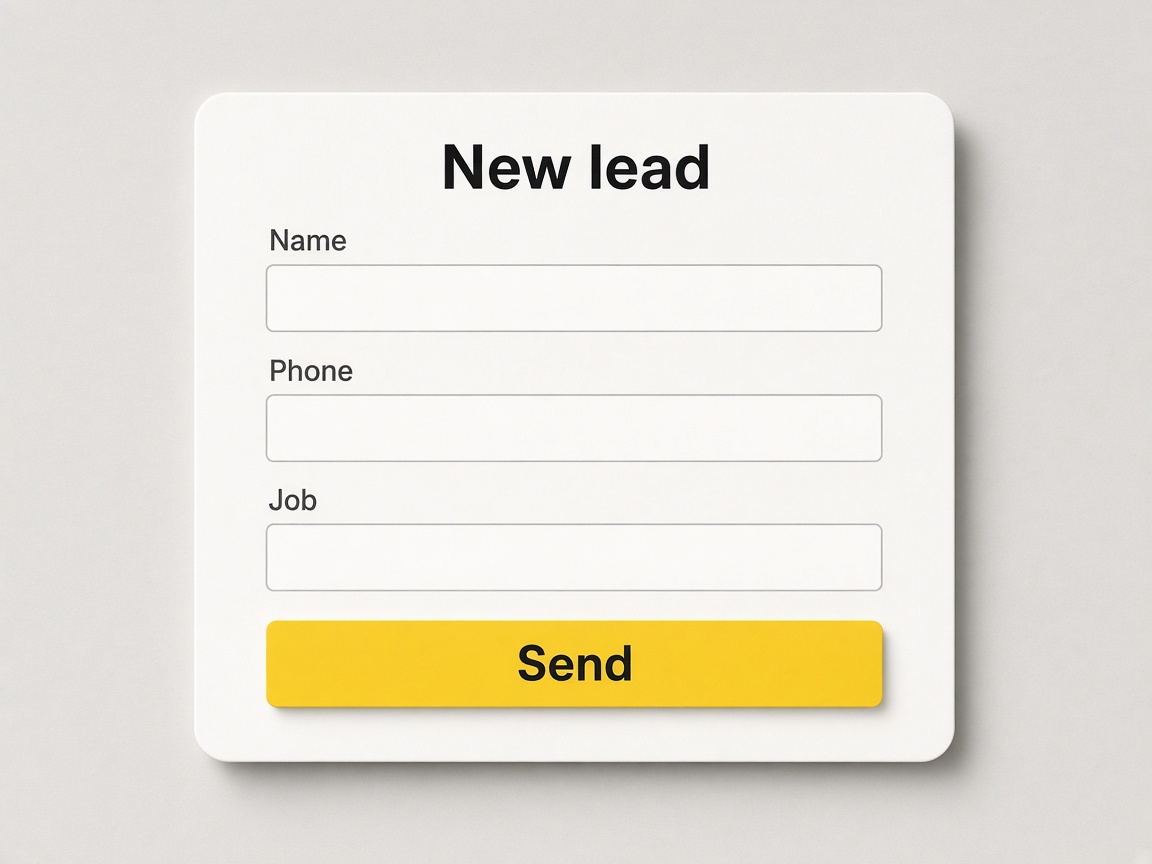
Name, phone, and the job
Ask for what you need to call them back. The form is on your page, where they already are.
On your page
Lead capture
Someone fills the form on your page. It shows up as a lead — not a missed text — and you move it when you quote.
Start free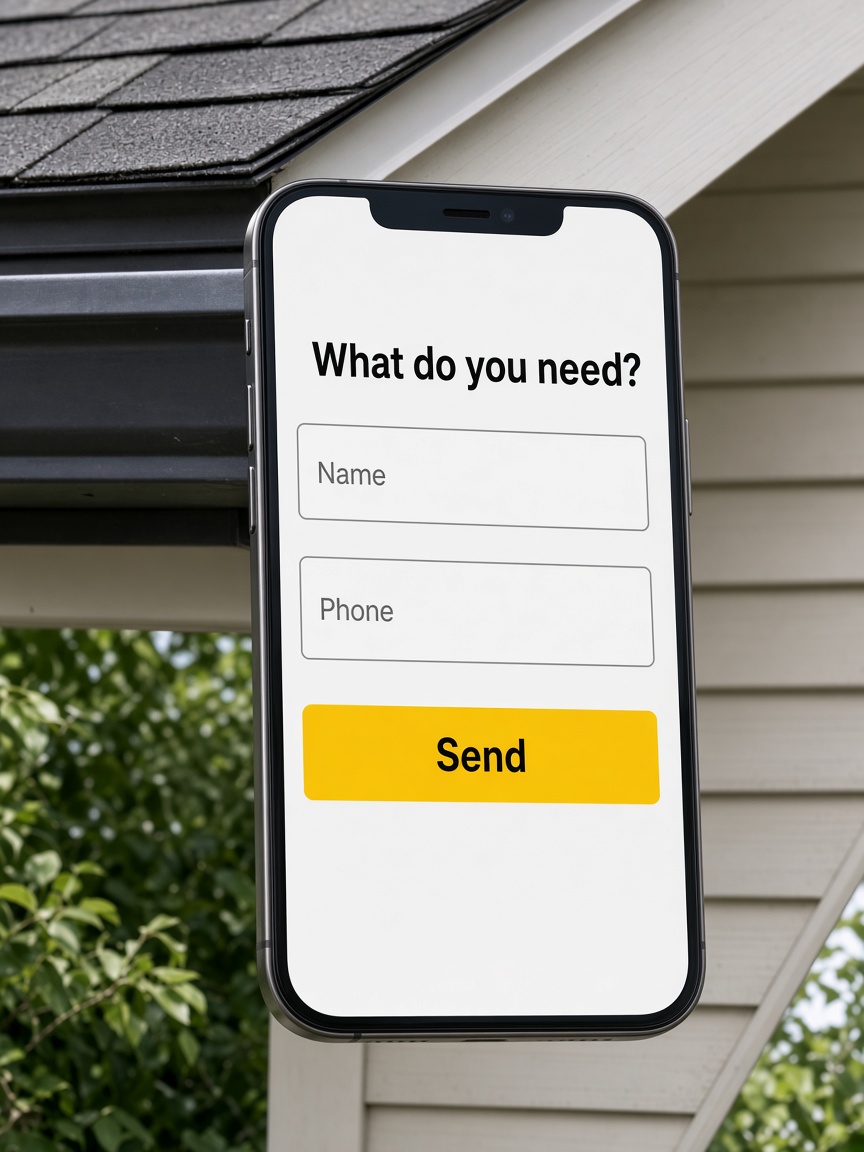
Ask for what you need to call them back. The form is on your page, where they already are.
On your page
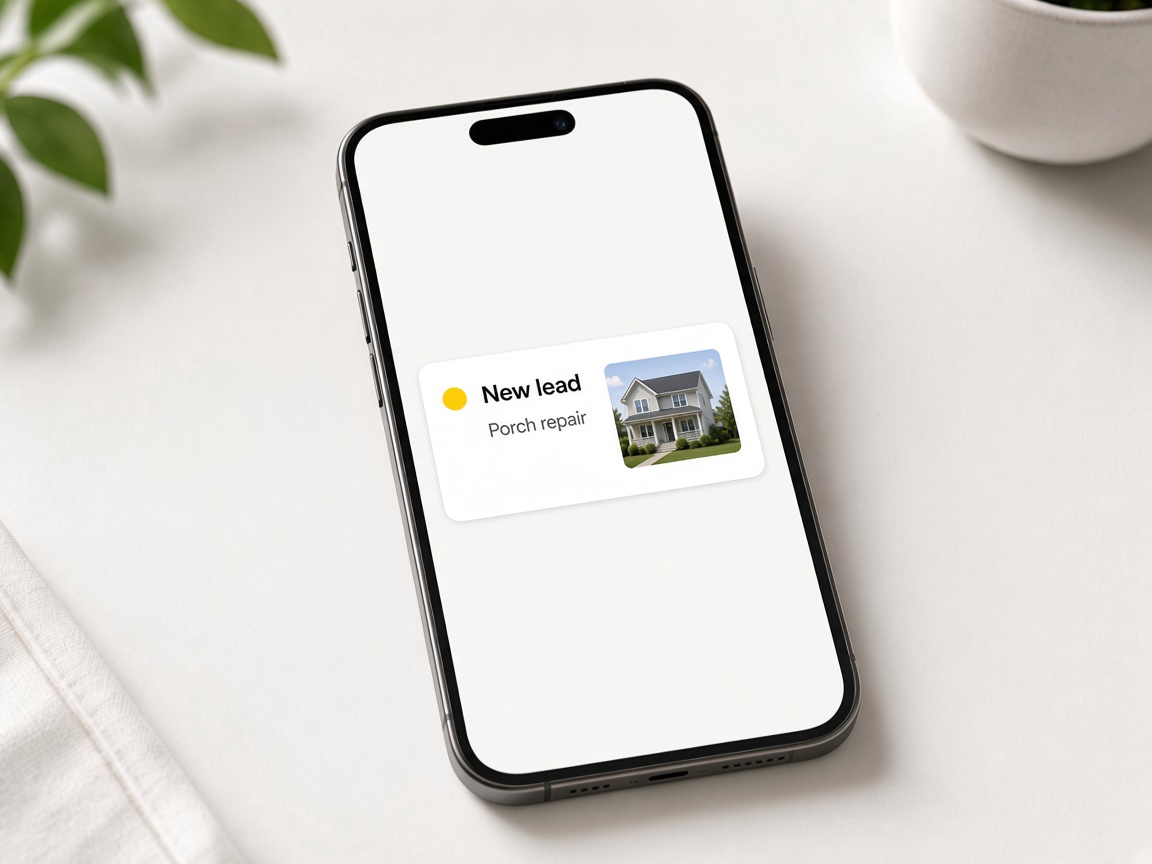
The request is a card, with the job on it. You are not digging through texts to find who asked.
In the inbox

Answer from the phone. They know you saw it before you are back at a desk.
From the field
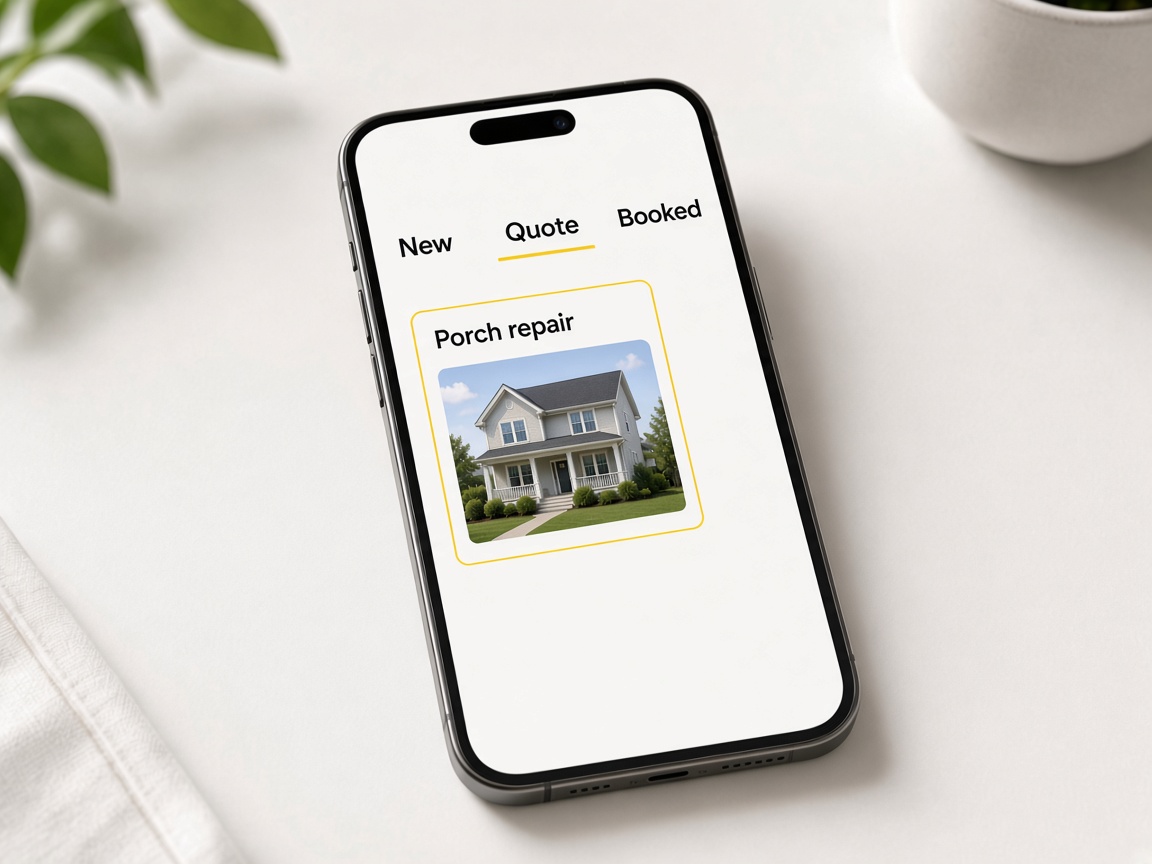
New → Need to contact → Quoted → Won. The lead stays on one card instead of a note you meant to follow up on.
Into the pipeline
Lead capture is how a visitor on Your Page becomes a job you can quote. Add a form block — name, phone, job type, message — and every submission lands as a New card on the CRM pipeline. No copying DMs into a spreadsheet. Your public URL lives at Your Page; getting started covers signup and claiming your username.
Leads make more sense when proof is already in the workspace. Document the site in the jobsite photo app, mark issues with photo annotations, and attach those shots when you send an estimate. If they need progress photos before they book, FWD a share link from the same album — sharing an album explains client-facing galleries.
Speed wins jobs you cannot answer at a desk. Open the new lead on your phone, reply while you are still in the driveway, and move the card to Quoted when the numbers go out. Crew shots from invite shared albums can refresh the album before you call back. Sketch canvas layouts help when the request needs a plan, not just a photo.
Automations cover the gap when you are on a ladder. Build automations that start when someone submits the form or asks for a quote in chat — Tell me in the app, Send an email, Put them on your list, or Show chat helper for the next visitor. Pair lead capture with Local Pages when you want nearby searches to hit the same form.
Starter is free with Your Page, lead inbox, and albums. Review Plans for teammates, storage, and payments; plans and storage overview summarizes tiers.
Read how it works for the full path from first click to paid invoice, and features for every tool connected to lead capture. Your Page albums and FWD helps align public galleries with private follow-up.
Where forms and chat asks live publicly.
New → Need to contact → Quoted → Won for every lead.
Send priced documents with job photos attached.
Instant follow-up when a lead arrives.
Attach proof before you call the lead back.
Send a gallery while the estimate is pending.
Show the issue clearly on the quote.
Drive nearby traffic to the same form.
Lead capture sits inside the full workspace.
Enable the form or chat ask with the fields you need to qualify the job.
Send fwdlink.com/you everywhere prospects already look for you.
Open the pipeline lead on mobile and reply while the request is still warm.
Send an estimate from the card with album shots or annotated proof.
Move to Won and send the invoice without creating a second customer entry elsewhere.
Into the CRM pipeline as a New lead card tied to the contact details they entered.
Yes. Open the card in the app and respond from the field before you are back at a desk.
Yes. Quote requests from chat land on the pipeline so you can follow up like any other New card.
Yes. When→Then paths can notify you, email the lead, add them to a list, or show chat helper on Your Page.
Yes. Album photos and annotations on the job card attach to estimates you send from that lead.
Starter includes Your Page and lead inbox basics. See Plans for advanced blocks and limits.
Submissions stay in the same FWDLink workspace as albums, estimates, and share links — one job card end to end.
Yes. FWD a gallery from the job album while the formal estimate is pending approval.
Local discovery can point neighbors to Your Page or listings where the same capture blocks collect asks.
At minimum name and phone plus job type or message — enough to quote without a phone tag later.
The features crews use every day — photos, markup, quotes, and the page that brings the next lead in.
Explore core features →A lead is the start of the page, the pipeline, and the quote.
Where the form lives.
Move it from New through Won.
The reply can go out while you are on the roof.
Start free. The form lands as a lead.
Start free