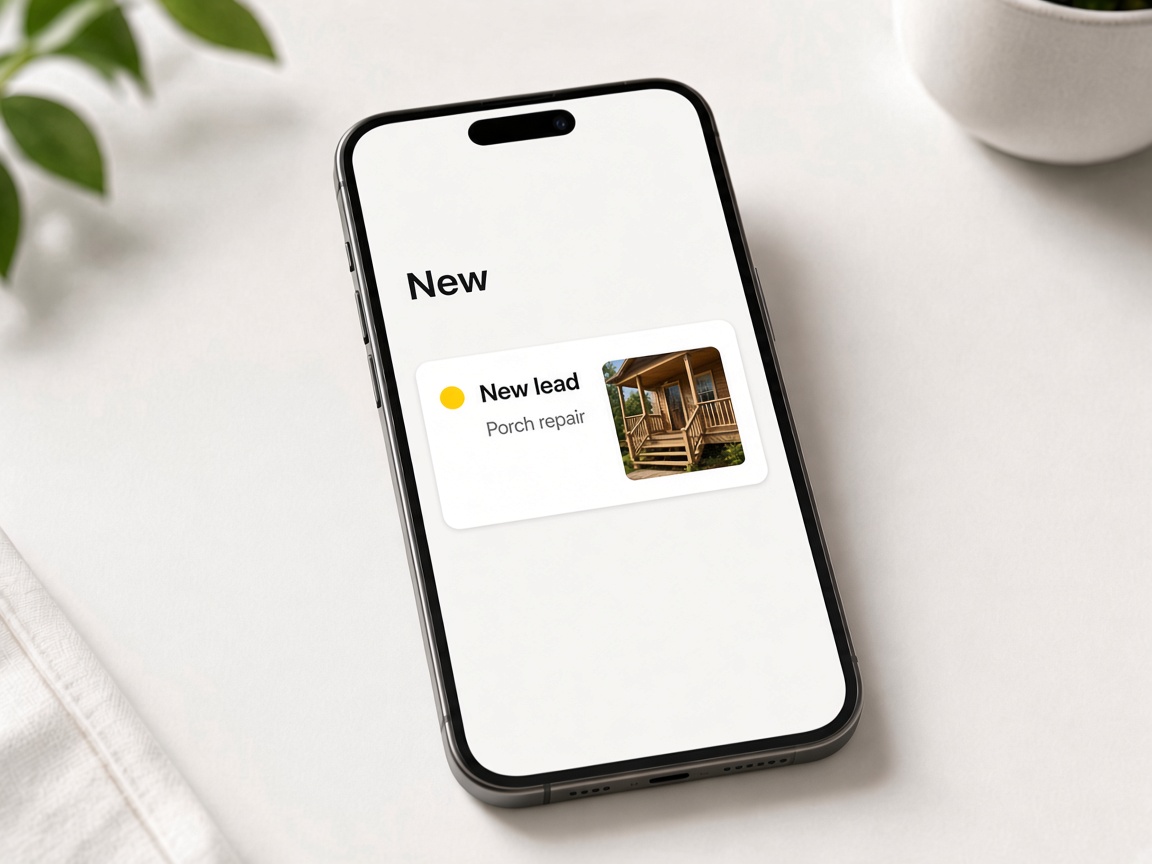
A new lead is a card
The request shows up in New, with the job on it. You can see what came in without opening a spreadsheet.
New
CRM pipeline
Every inquiry sits on one board. Photos stay on the card as you move from New through Quoted to Won — then quote and invoice from that same record.
Start free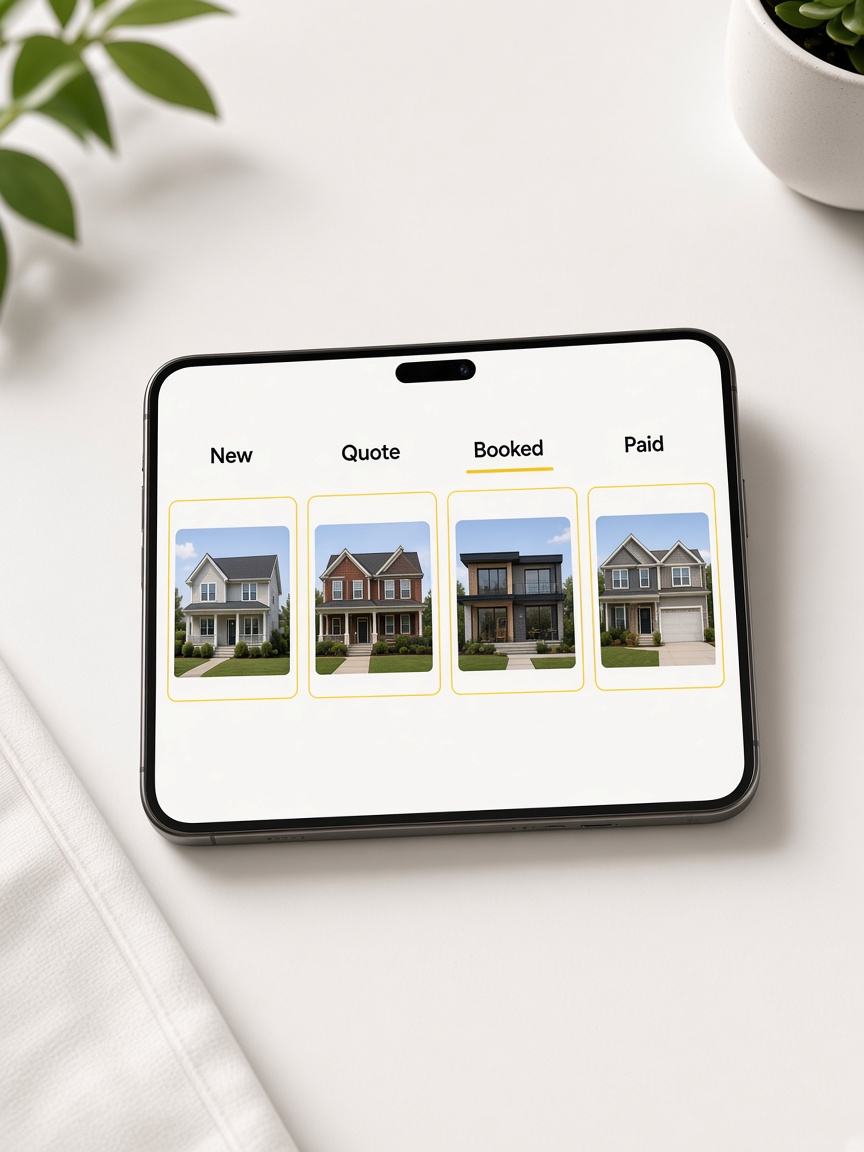
The request shows up in New, with the job on it. You can see what came in without opening a spreadsheet.
New
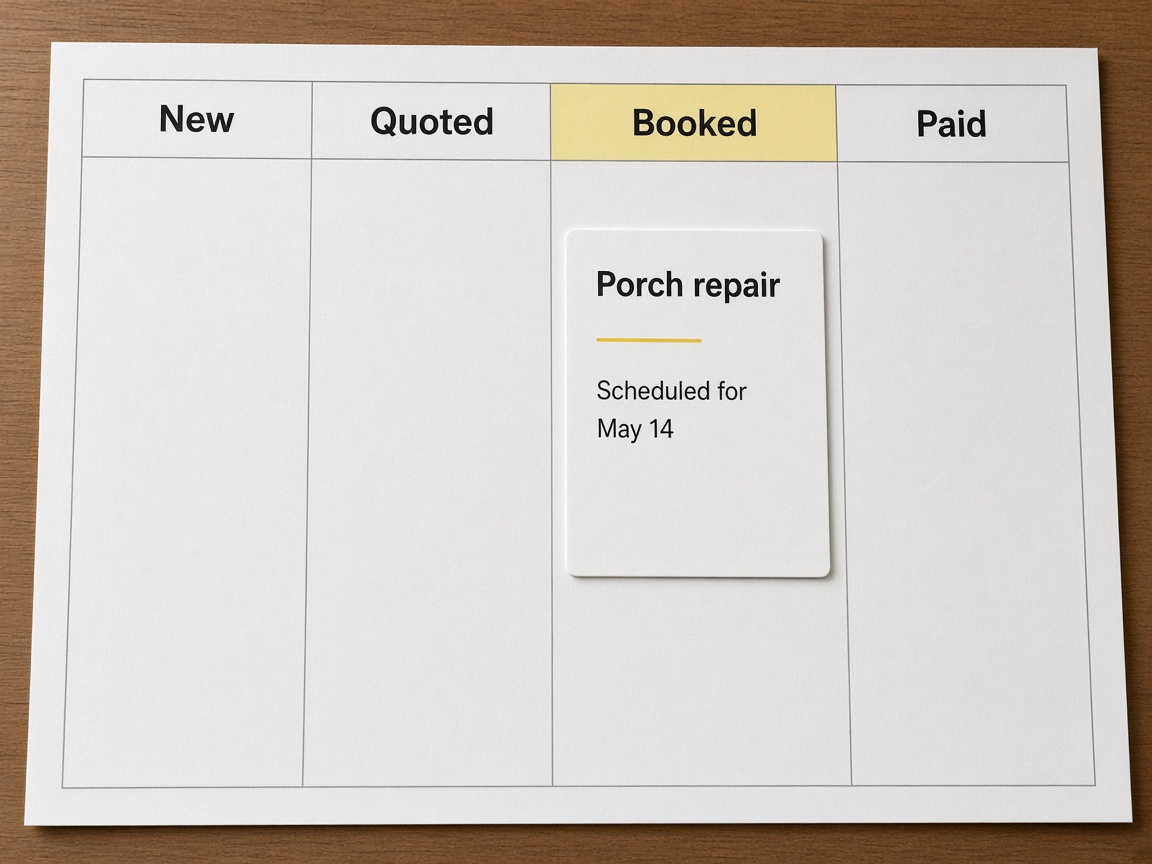
Move new asks to Need to contact when you owe a call back. The card stays put — you are not copying details into another list.
Need to contact
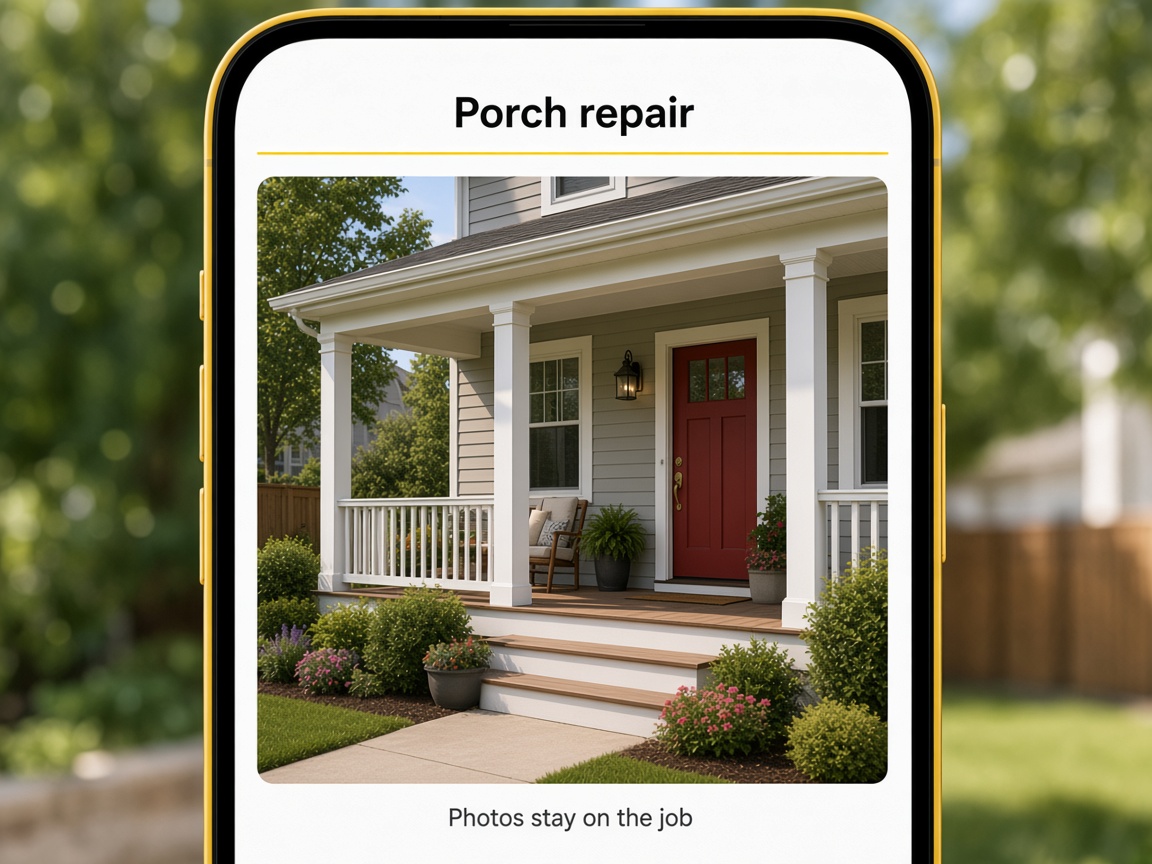
Send the estimate from the card and slide the stage to Quoted. When they say yes, move it to Won — one record from first ask to closed job.
Quoted → Won
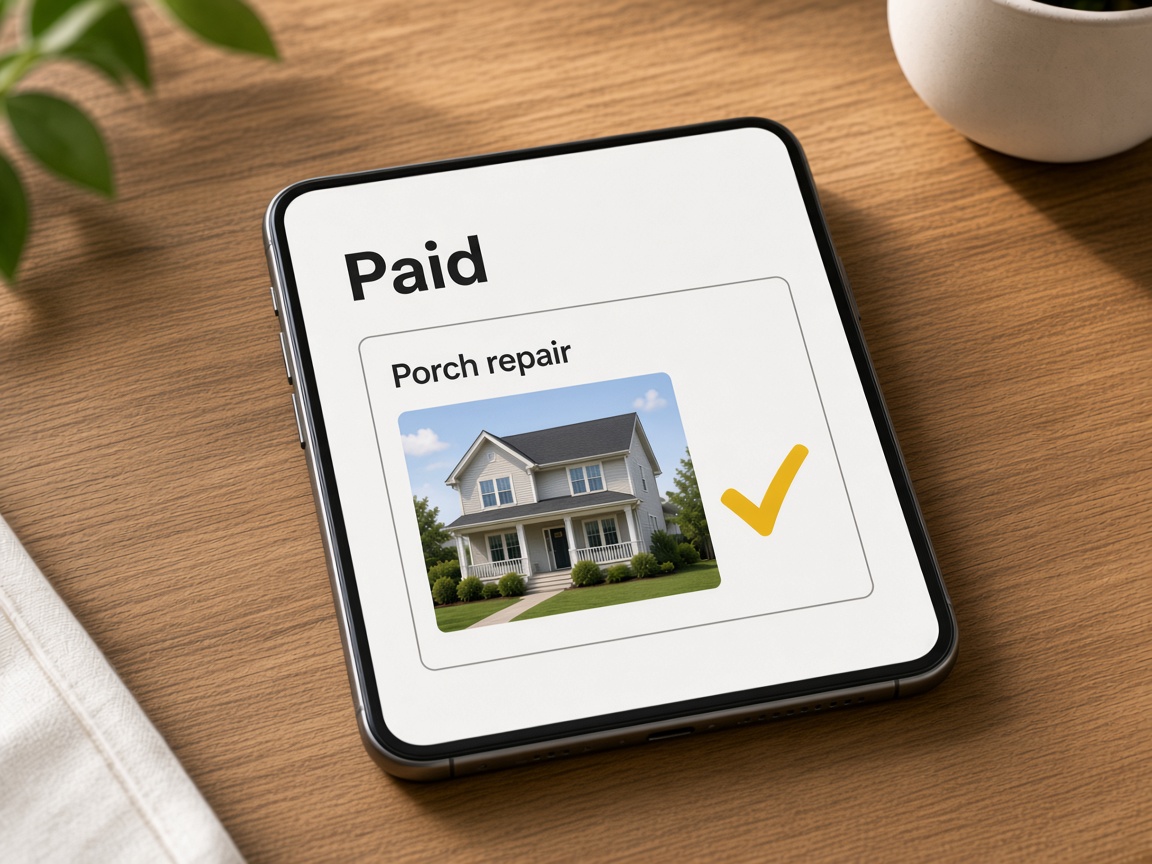
Billing is not a separate column. Invoice when the work is done and the photos, notes, and thread from the first request are still on that job.
Same job
The CRM pipeline is the board where every job lives after someone finds you. Cards move New → Need to contact → Quoted → Won instead of spreading notes across texts, email, and spreadsheets. A lead capture form on Your Page creates the New card automatically — name, phone, and job type already on the record. Getting started helps you claim the page that feeds the board.
Field proof stays on the card as stages change. Shoot the site in the jobsite photo app, mark callouts with photo annotations, sketch plans on canvas, and FWD share links when the client wants a gallery — nothing gets re-uploaded when you quote. Creating and organizing albums ties each visit to the address on the card.
Estimates and invoices are actions on the same record, not exports to another system. Send an estimate with photos attached, move to Won when they approve, and invoice without losing the thread. Crew uploads through invite shared albums add fresh shots while the card sits in Quoted. Sharing an album is for client galleries; the pipeline is your internal source of truth.
Automations keep cards from going cold. Use automations to Tell you in the app when a quote request lands, email follow-ups, or remind you about open estimates while you are on site. List on Local Pages when you want discovery to feed the same New column.
Starter includes the pipeline with Your Page and albums. Upgrade on Plans for storage, teammates, and payments — details in plans and storage overview.
See how it works for the marketing-to-money loop and features for every module connected to the board. Your Page albums and FWD explains how public proof maps to private cards.
Forms that create New cards automatically.
Public URL that sends visitors into CRM.
Quote and bill without leaving the card.
Albums pinned to each pipeline job.
Client galleries tied to the same album.
Markup visible on quotes from the card.
Follow-ups when stages stall.
Nearby discovery into New leads.
CRM plus photos and billing together.
Lead capture, chat, or manual entry creates a card with contact details.
Add album photos, annotations, or sketches before you quote.
Attach proof and advance the stage when the quote goes out.
When they approve, move the card to Won and line up the work.
Bill from the same card and close the loop when money lands.
The common flow is New → Need to contact → Quoted → Won. Drag cards or update stages as the job progresses.
Yes. Albums, annotations, and sketches remain attached from first visit through payment.
Yes. Quote, work order, and invoice run on the same job without exporting to another app.
Lead capture forms and chat quote asks create New cards with the details the visitor submitted.
Yes. FWD share links from the job album while the formal estimate is outstanding.
For many contractors, yes — leads, photos, quotes, and invoices share one FWDLink workspace on the board.
Yes. Invite shared album access so field uploads attach to the same card you manage.
Automations notify you and message clients; you still move stages when the job actually progresses.
Yes. Each job is its own card — filter or scan the board by stage.
Starter includes the board with Your Page and albums. See Plans for limits on storage, teammates, and payments.
The features crews use every day — photos, markup, quotes, and the page that brings the next lead in.
Explore core features →The board is where the lead, the photos, and the invoice meet.
How a request becomes the first card.
Quote and get paid from the same job.
Follow up without climbing down first.
Start free. From the first request to paid.
Start free